mBot program: blink the RGB LEDs (mBlock)
Three mBlock activities on mBot RGB LEDs: alternate red blink, RGB cycle, and fade with variables. Upload mode, checks, and troubleshooting.

Three mBlock activities on mBot RGB LEDs: alternate red blink, RGB cycle, and fade with variables. Upload mode, checks, and troubleshooting.
Some links on this page are affiliate links (Amazon.com for this English edition). If you buy through them, we may earn a commission at no extra cost to you.
Direct answer (October 2026) — In mBlock 5 (Makeblock’s block software, close to Scratch), stack a start event, a loop, RGB LED blocks and wait to alternate colours on the classic mBot; upload in Upload mode if the robot must blink without the USB cable.
The Makeblock mBot educational robot has two RGB LEDs on the mCore board — the main control board of the robot (microcontroller, power and motor/sensor connectors). Each LED is a light-emitting diode (LED) that mixes red, green and blue (RGB: Red, Green, Blue). This session offers three short programs: alternate red blink, red / green / blue cycle, then a progressive fade with a variable (a value stored in your script). A good follow-up to your first mBot program or our one-hour project ideas.
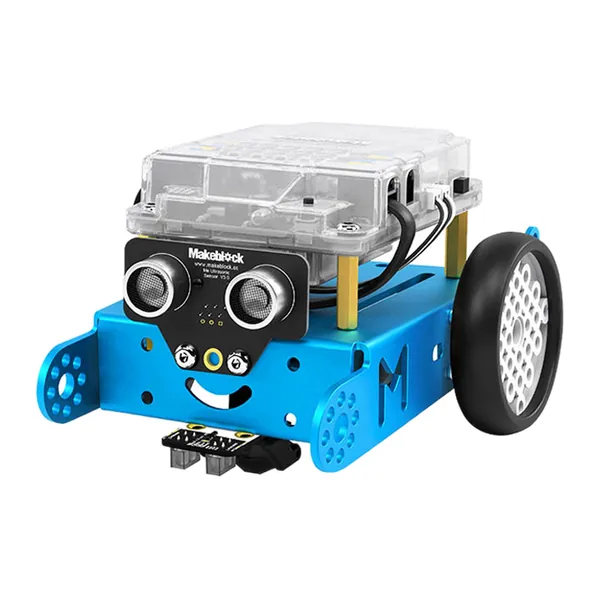
| Criterion | Detail |
|---|---|
| Level | Beginner (loops, timing); activity 3: intermediate (variable) |
| Time | About 30–60 minutes for all three activities |
| Hardware | Charged mBot, PC, USB cable |
| Software | mBlock 5, mBot blocks enabled |
| Success check | LEDs blink as described; activity 3: smooth colour ramp |
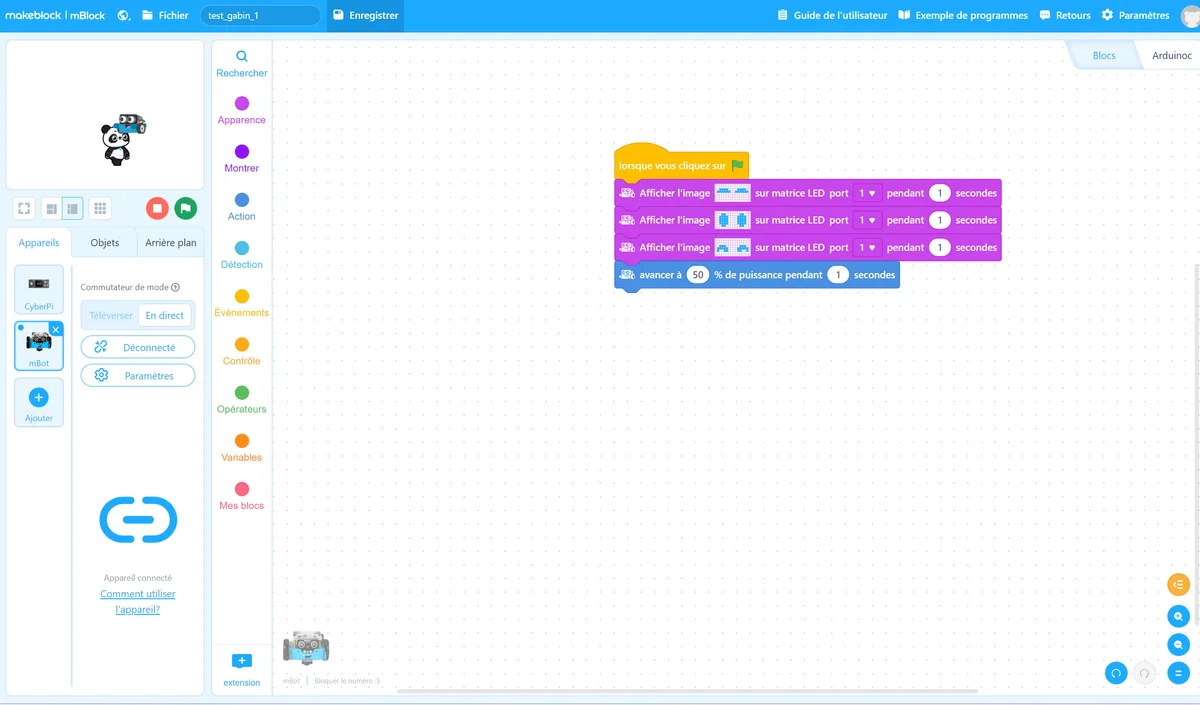
Each R, G, B value runs from 0 to 255; 0, 0, 0 means off. Do not confuse these side RGB LEDs with the centre LED matrix (scrolling text): see scroll text on the matrix if you need text display.
In the RGB colour model, each component can take a value from 0 to 255.
Examples: red 255 – 0 – 0. Green 0 – 255 – 0. Blue 0 – 0 – 255. White 255 – 255 – 255. Off 0 – 0 – 0.
That gives more than 16 million colours — exactly 16,777,216.
Goal: light the LEDs alternately left and right in red, 10 times. Each LED stays on for 1 second. Once on, a LED does not turn off alone: set 0, 0, 0.
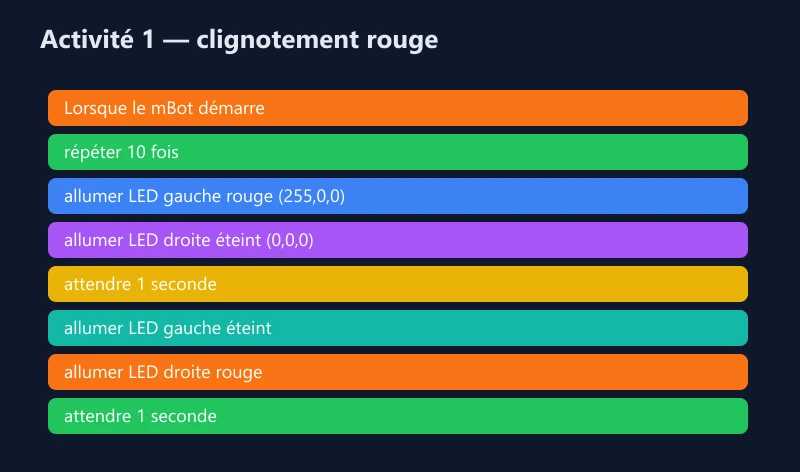
Pseudo-code:
when mBot starts
repeat 10
  left LED red; right LED off
  wait 1 s
  left LED off; right LED red
  wait 1 s
Success criterion: ten visible cycles, red on the left then on the right, without both staying on.
Save as blink_leds_1.mblock (File → Save as…).
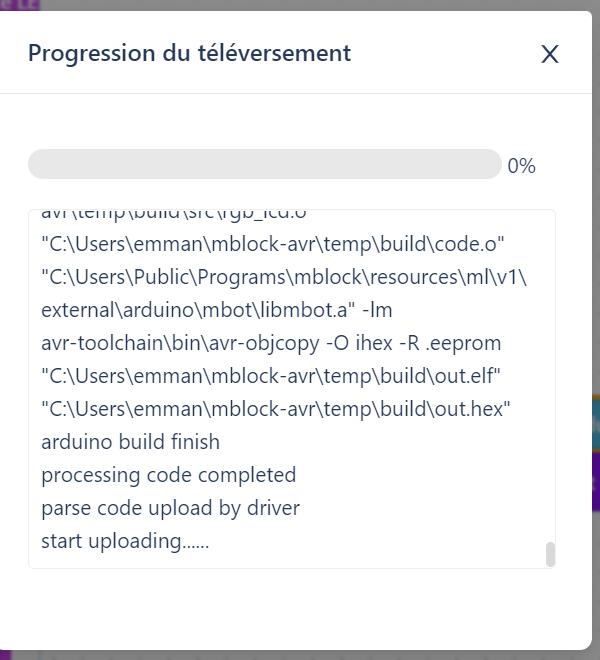
Goal: show red, then green, then blue on both LEDs for 10 cycles.
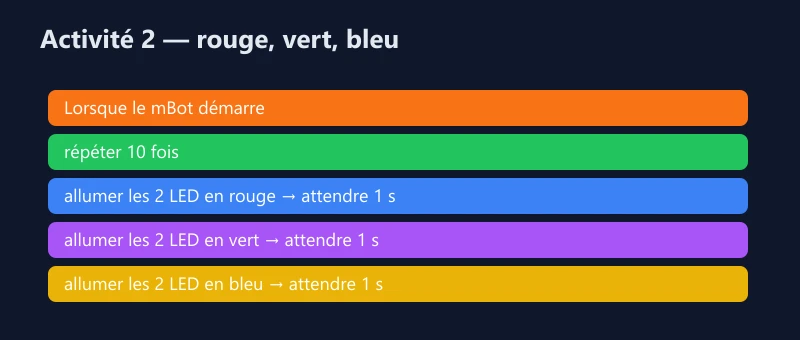
Pseudo-code:
when mBot starts
repeat 10
  both LEDs red → wait 1 s
  both LEDs green → wait 1 s
  both LEDs blue → wait 1 s
Success criterion: both LEDs cycle red, green, blue ten times with about one second between colours.
Save as blink_leds_rgb.mblock. Next steps: measure distances or an intrusion detector combining LEDs and sensors.
Goal: ramp red, then green, then blue from 0 to 255. Create a variable (e.g. intensity), start at 0, increase by 1, show each step for 0.01 s, up to 255.
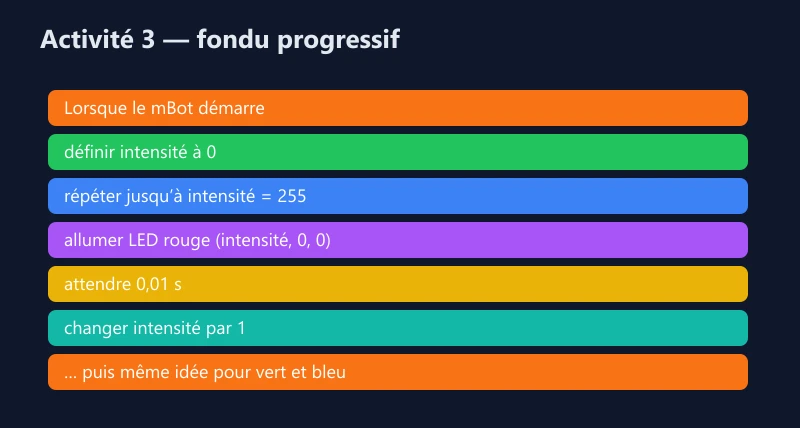
Pseudo-code (red fade — repeat for green and blue):
set intensity to 0
repeat 255
  change intensity by 1
  left and right LED = (intensity, 0, 0)
  wait 0.01 s
Then similar loops with (0, intensity, 0) and (0, 0, intensity). Export as blink_fade_rgb.mblock.
Success criterion: smooth brightness increase on each colour; keep 0.01 s waits or adjust slightly if the robot feels sluggish.
Avoid copying the same logic three times: create a custom block with step size, wait time, and colour index (0 = red, 1 = green, 2 = blue). Easier to maintain in larger projects such as our 10 free mBot classroom projects.
To conclude: you practised RGB LEDs and used loops, variables, and optional custom blocks in mBlock.
| Issue | Common cause | Fix |
|---|---|---|
| No LED lights up | Not connected or wrong device | Check USB, batteries, mBot selected in mBlock |
| One LED stays on | Missing 0, 0, 0 | Add an “off” block after each colour |
| Works in Live, stops after unplug | Not uploaded | Switch to Upload and upload again |
| LED blocks missing | mBot library off | Install mBot blocks |
| Blink too fast / slow | Wrong wait value | Use 1 second for activities 1 and 2 |
| Dull or wrong colours | RGB values out of range | Keep each component between 0 and 255 |
If Bluetooth is unreliable in Live, use USB while learning — see mBlock Bluetooth troubleshooting.
Stack start, loop, RGB LED blocks and wait in mBlock 5, then upload for standalone behaviour.
Send 0, 0, 0 explicitly; the robot does not clear the previous colour by itself.
Live = test with the PC; Upload = program stored in the robot for a cable-free demo.
Emmanuel Sauvage — updated 31 October 2026.
Torn between two models or stuck on a build? Drop us a line and we will get back to you by email.