Raspberry Pi CO₂ sensor (SCD41) with Home Assistant and MQTT
Measure CO₂, temperature and humidity with SCD40/SCD41 on Raspberry Pi, publish via MQTT discovery, systemd service and ventilate alerts.

Measure CO₂, temperature and humidity with SCD40/SCD41 on Raspberry Pi, publish via MQTT discovery, systemd service and ventilate alerts.
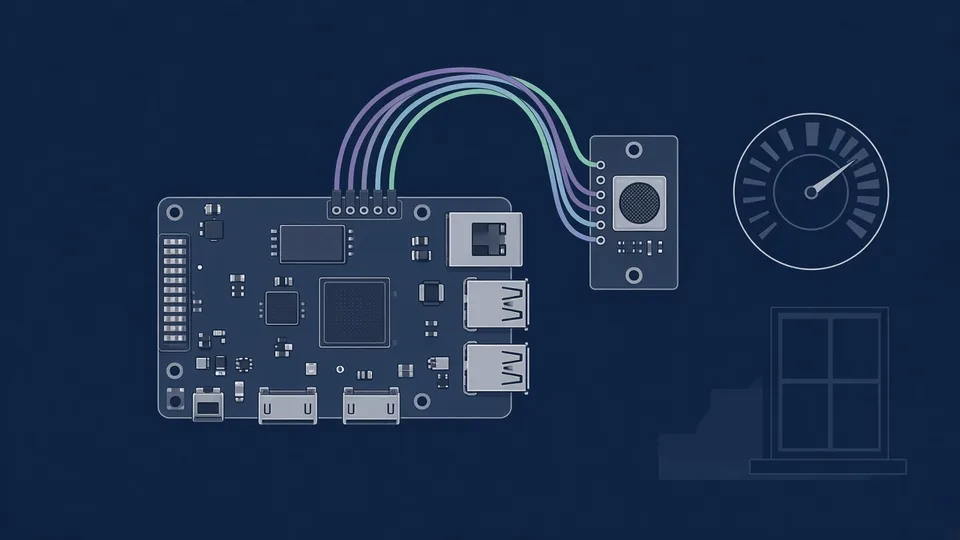
AI-generated illustration
Also available in French.
Quick answer (November 2026) — A SCD41 (or SCD40) breakout measures CO₂ in ppm (parts per million: how much carbon dioxide is in the air). Wire it on I2C to a Raspberry Pi, run a small Python script, and publish to MQTT so Home Assistant can alert you to ventilate—typically above 1000 ppm in a bedroom or office.
This tutorial belongs to the smart home hub with PIR motion lighting, BME280 weather station, and install Home Assistant on Pi 5.
Partner links below may earn a commission at no extra cost to you—verify stock and price on the retailer page.
High CO₂ in a closed bedroom or office means stale air. This tutorial uses a Raspberry Pi and SCD40 or SCD41 (photoacoustic CO₂—not a proxy) and sends readings to Home Assistant over MQTT so you can alert “open a window”.
| Time | Level | Parts |
|---|---|---|
| ~1.5 h | Intermediate | Pi 4/5, SCD4x breakout, MQTT broker (e.g. Mosquitto on HA) |
| Term | Meaning in one line |
|---|---|
| CO₂ | Gas we exhale; high levels mean poor ventilation. |
| I2C | Two-wire bus on the Pi header (SDA/SCL). |
| MQTT | Lightweight messaging between Pi and Home Assistant. |
Pi GPIO is 3.3 V—power the breakout at 3.3 V unless the board docs guarantee 5 V tolerant I2C.
| SCD4x | Pi (physical pin) |
|---|---|
| VIN | 1 (3V3) |
| GND | 6 (GND) |
| SDA | 3 (GPIO2) |
| SCL | 5 (GPIO3) |
sudo apt update sudo apt install -y python3-venv python3-gpiozero python3-lgpio i2c-tools sudo raspi-config nonint do_i2c 0
i2cdetect -y 1 # expect 62 mkdir -p ~/capteurs && cd ~/capteurs python3 -m venv —system-site-packages venv source venv/bin/activate pip install adafruit-circuitpython-scd4x paho-mqtt
Full script: download co2_scd41_mqtt.py.
Test: MQTT_HOST=192.168.x.x MQTT_USER=... MQTT_PASS=... python co2_scd41_mqtt.py — first reading ~5 s after start.
Enable Mosquitto add-on and MQTT integration. Create a dedicated HA user for the Pi. Discovery creates entities under MQTT automatically.
Example alert above 1000 ppm for 5 minutes (adjust entity id):
alias: Living room CO2 alert triggers:
Tip: add a derivative sensor on CO₂ to catch fast rises before a fixed threshold—see Sensirion guidance on auto-calibration needing regular fresh air.
/etc/systemd/system/co2-sensor.service with ExecStart=/home/pi/capteurs/venv/bin/python .../co2_scd41_mqtt.py, Environment=MQTT_HOST=..., then sudo systemctl enable --now co2-sensor.service.
SCD40 vs SCD41?
Both work; SCD41 is the current reference—check your breakout label.
Is 1000 ppm always bad?
It is a common alert threshold for bedrooms; adjust for your room size and occupancy.
Pi 5 I2C errors?
Use Bookworm, enable I2C in raspi-config, and share ground between sensor and Pi.
62 on i2cdetect: SDA/SCL swap, I2C off, bad jumper.Sources: Adafruit SCD-40/41 learn guide · HA MQTT discovery.
Torn between two models or stuck on a build? Drop us a line and we will get back to you by email.