Solar outdoor security cameras: how to choose (ieGeek S7, ZY-C2, ZS-GX4S, ZY-G4)
Wire-free outdoor cameras: Wi-Fi vs 4G, 24/7 vs motion recording, battery and SD specs from ieGeek datasheets (Oct 2026)—comparison, not hands-on review.
Wire-free outdoor cameras: Wi-Fi vs 4G, 24/7 vs motion recording, battery and SD specs from ieGeek datasheets (Oct 2026)—comparison, not hands-on review.
Also available in French.
A solar outdoor camera avoids trenching cable to a gate or garden shed: internal battery, small panel, phone app. Before buying, four questions matter: Wi-Fi or 4G, continuous or motion recording, battery size and local storage.
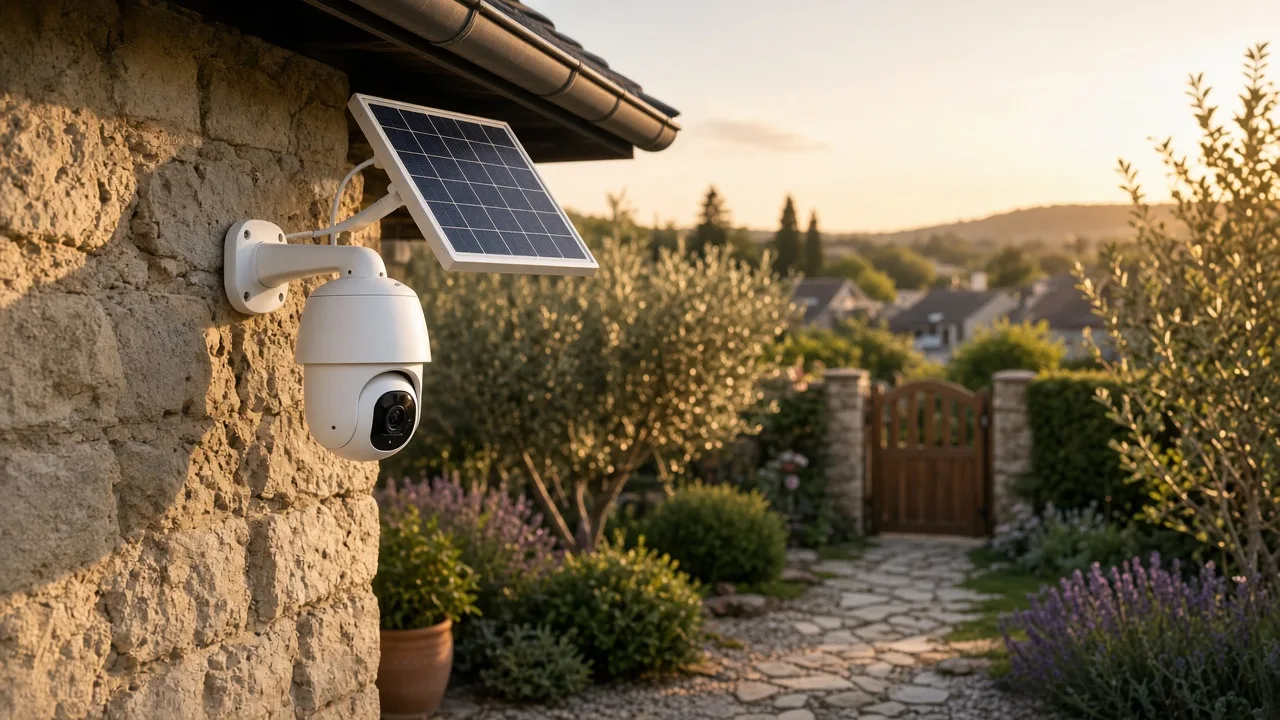
We compare four ieGeek models from official product pages (iegeek.com, checked 21 October 2026). We have not tested these units—this is a spec comparison, not a lab review.
Disclosure: ieGeek links below may be affiliate links. That does not change which models are listed or the specs quoted.
| Model | Network | Recording | Resolution | PTZ | Night vision | Battery | Max SD |
|---|---|---|---|---|---|---|---|
| S7 | Wi-Fi 2.4 GHz | 24/7 AOV + motion | 2K 3 MP | 360°, 4× zoom | Colour ~20 m | 9000 mAh | 256 GB |
| ZY-C2 | Wi-Fi 2.4 GHz | Motion | 2K 3 MP | 355° / 90° | Colour 15 m | 5200 mAh | 128 GB |
| ZS-GX4S | Wi-Fi 2.4 GHz | Motion | 5 MP | 355° / 120° | Colour 10 m, IR 15 m | 5200 mAh | 128 GB |
| ZY-G4 | 4G LTE only | 24/7 AOV + motion | 2K 3 MP | 360° | Colour + IR 20 m | 9000 mAh | 256 GB |
All four are listed IP65 with two-way audio, siren and spotlight; optional cloud storage. Prices: check the seller—promotions change often.
| Need | Model (per specs) |
|---|---|
| Drive/garden, Wi-Fi, minimal gaps | S7 |
| Entry/courtyard, budget, PIR alerts | ZY-C2 |
| Detail (plates, faces) in daylight | ZS-GX4S (5 MP) |
| No internet on site | ZY-G4 |
Film your property only. Avoid public pavement or neighbours’ gardens in frame—use app privacy/motion zones if the view includes the street.
These cameras are primarily vendor-app/cloud products. Local RTSP or official HA integrations vary by model and region—verify before buying if HA integration is mandatory. For a HA-centric home, see getting started and install Home Assistant. Backup during outages: UPS / power station guide.
Torn between two models or stuck on a build? Drop us a line and we will get back to you by email.