Every entry shows difficulty, time, cost and tools before the fix. Filter by stack or search an error message.
Software setup, swapping a USB cable or an add-on sensor can be done at home. For defective or in-warranty hardware (hub, failed Shelly/Sonoff module, mCore board), use the manufacturer's official warranty service — do not bypass it.
Missing a product or error code? Suggest it to our team
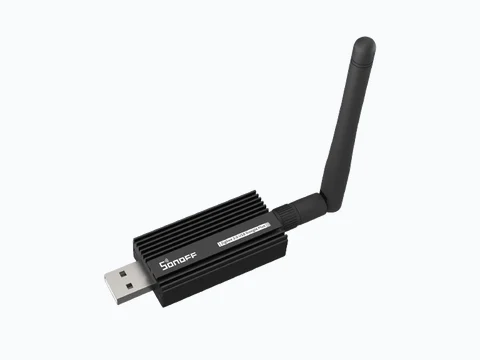
Zigbee2MQTT — Error 205 (AREQ / ZDO response timeout)
Symptoms — Pairing stalls; « Error 205 » or ZDO timeout in Zigbee2MQTT logs.
Fix — Move the device within 1 m of the coordinator, start pairing on the device, retry the interview. If it persists: set a fixed Zigbee channel (avoid 11 on busy 2.4 GHz Wi-Fi), remove a flaky router, restart Zigbee2MQTT. On Sonoff-E: update Ember firmware.
If in doubt, contact the manufacturer's official support, use the brand's warranty service (or hire a qualified electrician for any 230 V wiring).
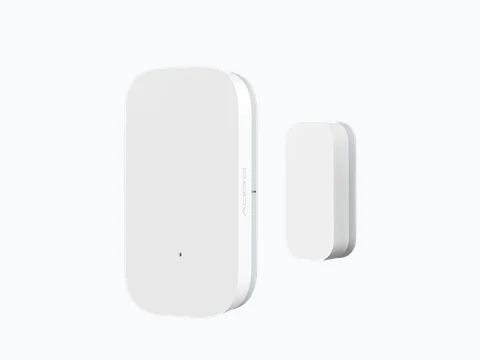
Zigbee2MQTT — « No network route » / device unreachable
Symptoms — Entities « unavailable », commands ignored, low LQI on the network map.
Fix — Add a **mains-powered Zigbee router** (smart plug) between coordinator and sensor. Do not rely on battery devices as routers. Check parent LQI on the Z2M map. Last resort: re-pair next to a stable router.
If in doubt, contact the manufacturer's official support, use the brand's warranty service (or hire a qualified electrician for any 230 V wiring).
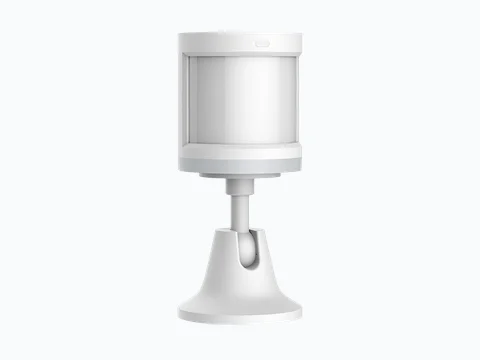
Zigbee2MQTT — « Interview failed »
Symptoms — Device listed but missing entities or « unsupported ».
Fix — Update Zigbee2MQTT (converters). Remove device, factory reset per vendor guide, re-pair within 50 cm of the dongle. Tuya no-hub: hold pairing button until fast blink.
Warranty / support — Still unsupported after updates: check manufacturer warranty before opening the device.
If in doubt, contact the manufacturer's official support, use the brand's warranty service (or hire a qualified electrician for any 230 V wiring).
ZHA — « Failed to probe » / cannot pair
Symptoms — ZHA log error during pairing; no device created.
Fix — Only one coordinator: stop Zigbee2MQTT if sharing the same USB stick. Short USB extension. Factory reset device, move closer, retry. Check model support (quirk).
If in doubt, contact the manufacturer's official support, use the brand's warranty service (or hire a qualified electrician for any 230 V wiring).
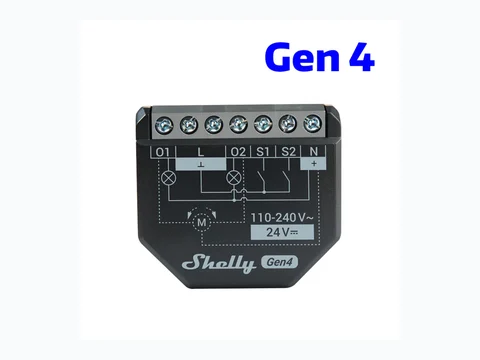
Shelly — « Device offline » / unreachable
Symptoms — Relay stops responding in Shelly app or Home Assistant; LED off or red.
Fix — Check power (neutral required on some models). Ensure 2.4 GHz Wi-Fi is up (no AP isolation). DHCP reservation. Last resort: 5 s button reset, reconfigure Wi-Fi.
Warranty / support — Defective in-warranty Shelly relay: use support.shelly.cloud — do not replace an in-wall module unless you are a qualified electrician.
If in doubt, contact the manufacturer's official support, use the brand's warranty service (or hire a qualified electrician for any 230 V wiring).
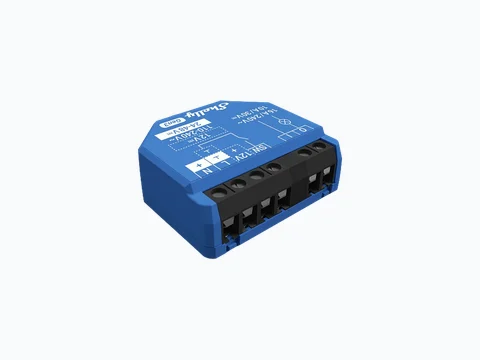
Shelly — won’t join Wi-Fi (5 GHz / password)
Symptoms — Shelly AP setup loop; fails after entering SSID.
Fix — Shelly needs **2.4 GHz only**. Disable 5 GHz temporarily or use a 2.4 GHz SSID. WPA2-PSK; avoid WPA3-only.
If in doubt, contact the manufacturer's official support, use the brand's warranty service (or hire a qualified electrician for any 230 V wiring).
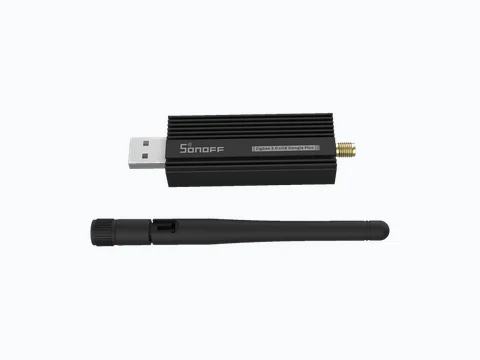
Sonoff Dongle-P vs Dongle-E — EZSP / Ember driver mismatch
Symptoms — Zigbee2MQTT won’t start adapter; ZHA doesn’t detect stick.
Fix — **Dongle-P**: zStack/EZSP per firmware. **Dongle-E**: **ember** driver on Z2M 2.x. Flash vendor-recommended firmware before going live.
Warranty / support — Failed or in-warranty Sonoff dongle: contact support@itead.cc before DIY repair.
If in doubt, contact the manufacturer's official support, use the brand's warranty service (or hire a qualified electrician for any 230 V wiring).
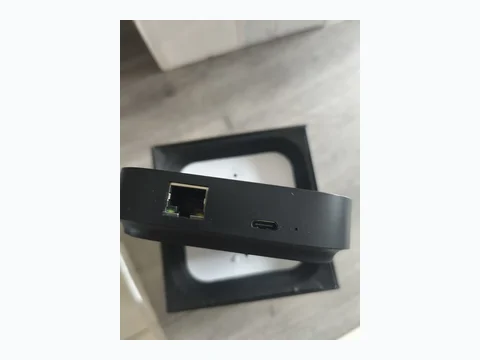
Homey Pro / Mini — « Zigbee network full »
Symptoms — Cannot add new Zigbee devices.
Fix — Remove ghost devices; add **mains-powered routers**. Avoid duplicate coordinators. Restart Homey after cleanup.
Warranty / support — Defective in-warranty Homey hub: support.homey.app — do not open the enclosure.
If in doubt, contact the manufacturer's official support, use the brand's warranty service (or hire a qualified electrician for any 230 V wiring).
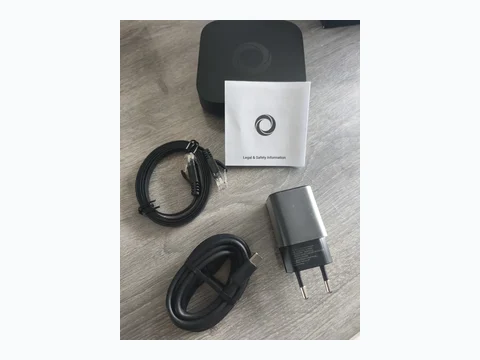
Homey — « Matter pairing failed »
Symptoms — Matter QR scanned but commissioning fails at the end.
Fix — Factory reset Matter device (not bound elsewhere). Update Homey; enable Thread if needed. Disable phone VPN; pair close to Homey.
If in doubt, contact the manufacturer's official support, use the brand's warranty service (or hire a qualified electrician for any 230 V wiring).
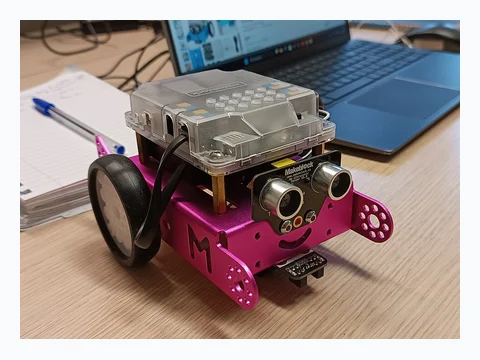
mBlock / Arduino — stk500_getsync(): not in sync
Symptoms — Upload ends with avrdude stk500_getsync() or « programmer not responding ».
Fix — Use direct USB, pick the correct COM port in mBlock, close serial monitor, reboot mBot. Try a data USB cable.
If in doubt, contact the manufacturer's official support, use the brand's warranty service (or hire a qualified electrician for any 230 V wiring).

mBlock — COM port missing (Windows / macOS)
Symptoms — No serial port listed in mBlock when the robot is plugged in.
Fix — Install CH340/CP2102 driver, rear USB port, grant USB on macOS for mBlock Web.
If in doubt, contact the manufacturer's official support, use the brand's warranty service (or hire a qualified electrician for any 230 V wiring).
mBot — motor runs backward
Symptoms — Robot moves backward when code says forward.
Fix — Negate motor speed or swap M1/M2 connectors.
If in doubt, contact the manufacturer's official support, use the brand's warranty service (or hire a qualified electrician for any 230 V wiring).
mBot — ultrasonic stuck at 0 or 400 cm
Symptoms — Distance variable never changes.
Fix — Check RJ25 cable, move away from wall, update mBot firmware.
If in doubt, contact the manufacturer's official support, use the brand's warranty service (or hire a qualified electrician for any 230 V wiring).
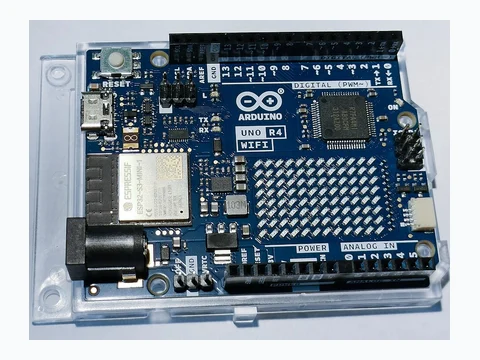
Arduino / mBlock — permission denied on serial port (Linux)
Symptoms — Upload fails: cannot open /dev/ttyUSB0.
Fix — Add user to dialout group, re-login, do not run mBlock as root.
If in doubt, contact the manufacturer's official support, use the brand's warranty service (or hire a qualified electrician for any 230 V wiring).
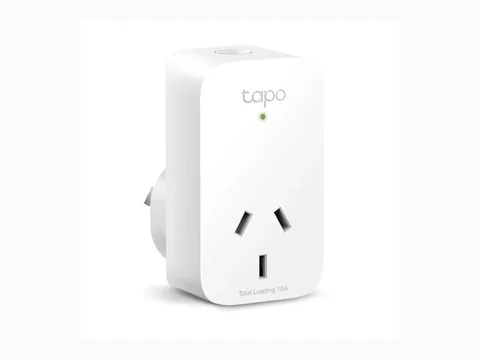
Tapo P110 — plug unreachable in Home Assistant
Symptoms — Entity unavailable despite ping.
Fix — Refresh Tapo cloud account, static IP, reload Tapo integration, disable AP isolation.
If in doubt, contact the manufacturer's official support, use the brand's warranty service (or hire a qualified electrician for any 230 V wiring).
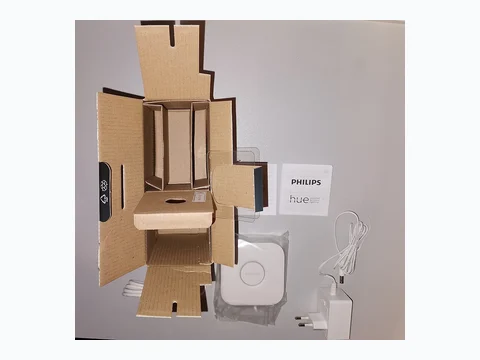
Philips Hue Bridge — bridge unreachable
Symptoms — HA or Z2M cannot discover the bridge.
Fix — Direct Ethernet, same subnet, press link button, reboot router.
If in doubt, contact the manufacturer's official support, use the brand's warranty service (or hire a qualified electrician for any 230 V wiring).
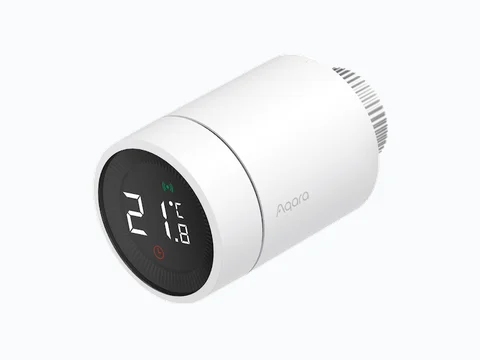
Aqara T1 — temperature offset / valve chatter
Symptoms — Room too hot/cold despite setpoint.
Fix — Set offset in Aqara Home / Z2M, correct valve mode, recalibrate after radiator bleed.
If in doubt, contact the manufacturer's official support, use the brand's warranty service (or hire a qualified electrician for any 230 V wiring).
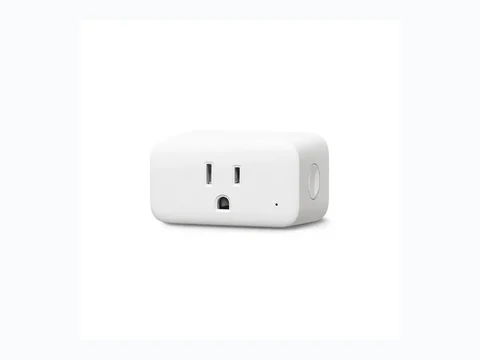
SwitchBot Curtain — motor timeout
Symptoms — Curtain stops mid-travel, app error.
Fix — Recalibrate limits in app, check rail load, Hub 2 in Bluetooth range.
If in doubt, contact the manufacturer's official support, use the brand's warranty service (or hire a qualified electrician for any 230 V wiring).
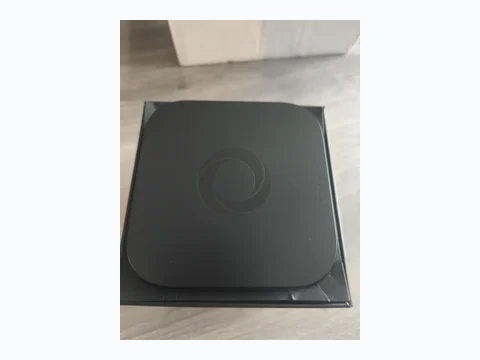
Homey Mini — ERR_THREAD_BR_UNAVAILABLE (Thread / Matter unavailable)
Symptoms — Matter/Thread devices go offline; Homey logs or community reports ERR_THREAD_BR_UNAVAILABLE, no Thread border router.
Fix — Update Homey and the app. Enable Thread on a Homey Pro/Bridge on the same account if Mini is not the border router. Move Matter device closer, power-cycle Mini 30 s. Avoid duplicate Thread coordinators without a migration plan.
Warranty / support — In-warranty Homey Mini: support.homey.app — do not open the enclosure.
If in doubt, contact the manufacturer's official support, use the brand's warranty service (or hire a qualified electrician for any 230 V wiring).
Homey Mini — solid red LED, bootloop (USB-C power)
Symptoms — Solid red LED, reboot loop; Homey community: USB-C supply below 5 V 2 A or charge-only cable.
Fix — Use a **5 V ≥ 2 A** adapter and a **data** USB-C cable. Avoid unpowered hubs. USB Recovery Tool if bootloop continues after 10 minutes offline.
Warranty / support — Brick after recovery: Athom support via support.homey.app.
If in doubt, contact the manufacturer's official support, use the brand's warranty service (or hire a qualified electrician for any 230 V wiring).
Homey — Cloud Bridge disconnected / ETIMEDOUT
Symptoms — Mobile app « Cloud Bridge disconnected », Mini/Pro satellites stop syncing; ETIMEDOUT to cloud.athom.com.
Fix — Check DNS (no blocking Pi-hole), correct NTP on router, disable phone VPN. Reboot router + Homey. Re-link Athom account if error lasts over 24 h.
If in doubt, contact the manufacturer's official support, use the brand's warranty service (or hire a qualified electrician for any 230 V wiring).
Homey Pro — pulsing red ring (storage / CM4 recovery)
Symptoms — Pulsing red LED ring, Homey unreachable; community: full eMMC or corruption after power loss.
Fix — Cool down 15 min. Try official Athom USB recovery (CM4). Remove heavy apps/logs if web UI returns. Backup then contact support before opening the case.
Warranty / support — Opening Homey Pro voids warranty — support.homey.app only.
If in doubt, contact the manufacturer's official support, use the brand's warranty service (or hire a qualified electrician for any 230 V wiring).
Homey — Matter pairing failed (0x000005 / mDNS IPv6)
Symptoms — Matter commissioning fails at the end, code 0x000005; mDNS issues on IPv6 or isolated VLAN.
Fix — Enable mDNS across VLANs. Pair on the same 2.4 GHz SSID as Homey. Temporarily disable router IPv6 if your model needs it. Factory-reset the Matter device before retry.
If in doubt, contact the manufacturer's official support, use the brand's warranty service (or hire a qualified electrician for any 230 V wiring).
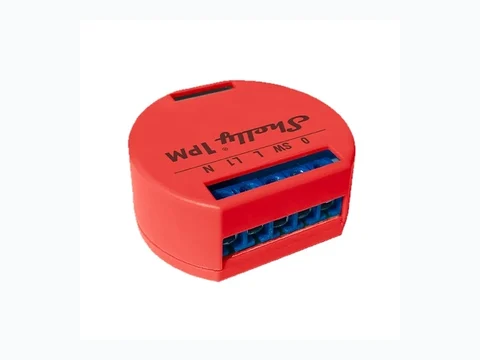
Shelly — ERR_OVERTEMP (> 95 °C, in-wall box)
Symptoms — Relay trips, overtemperature alert or ERR_OVERTEMP in app / Shelly forum.
Fix — Reduce load (incompatible LEDs, motor). Let cool. Deep back box, no insulation pressed on module. Dimmer: respect minimum load.
If in doubt, contact the manufacturer's official support, use the brand's warranty service (or hire a qualified electrician for any 230 V wiring).
Shelly — ERR_OVERPOWER / max power protection
Symptoms — Automatic trip above configured wattage; Plus 1PM/2PM meter turns red.
Fix — Check real load (heater). Adjust max power threshold if wiring is compliant. Upgrade model if overload repeats.
Warranty / support — Burnt Shelly module: support.shelly.cloud under warranty.
If in doubt, contact the manufacturer's official support, use the brand's warranty service (or hire a qualified electrician for any 230 V wiring).
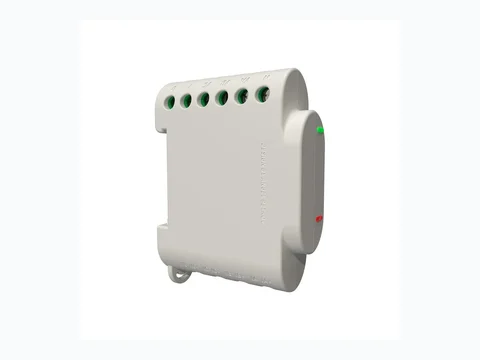
Shelly Pro 3EM — negative power (phases / CT clamps)
Symptoms — One phase shows negative kW; forum: swapped CT A-B-C or reversed clamp arrow.
Fix — Switch off mains. Verify L1/L2/L3 mapping and CT arrow direction. Recalibrate in 3EM app. Never swap live wires.
If in doubt, contact the manufacturer's official support, use the brand's warranty service (or hire a qualified electrician for any 230 V wiring).
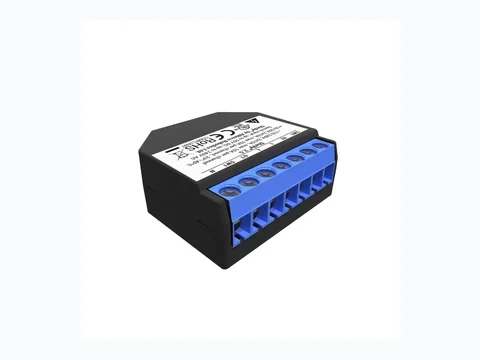
Shelly Dimmer 2 — calibration failed (flicker / load < 10 W)
Symptoms — 0–100 % flicker, calibration fails; LED load under 10 W without bypass.
Fix — Add Shelly bypass or test halogen bulb. Run full calibration in app. Check shared neutral at the light.
If in doubt, contact the manufacturer's official support, use the brand's warranty service (or hire a qualified electrician for any 230 V wiring).
Shelly Plus 2PM — cover calibration error (end stops)
Symptoms — Roller shutter stops early or strains; Cover Calibration Error.
Fix — Cover roller mode, measure travel time. Recalibrate 0 % / 100 % positions. Check S1/S2 wiring and motor within 2PM limits.
If in doubt, contact the manufacturer's official support, use the brand's warranty service (or hire a qualified electrician for any 230 V wiring).
Shelly — Device offline (mDNS CoIoT & RPC WebSocket)
Symptoms — Home Assistant loses RPC WebSocket; ping OK but entities unavailable; Shelly forum: blocked mDNS.
Fix — DHCP reservation, disable AP isolation. Same VLAN as Home Assistant. Re-enable CoIoT/RPC in Shelly. Avoid distant mesh node.
If in doubt, contact the manufacturer's official support, use the brand's warranty service (or hire a qualified electrician for any 230 V wiring).
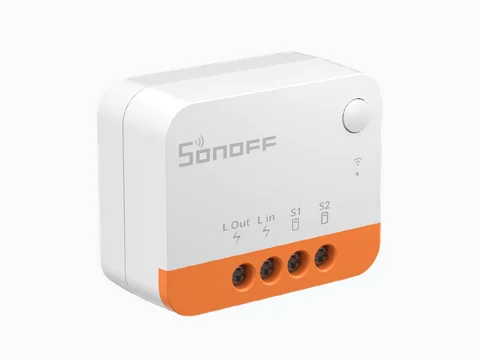
Sonoff ZBMini-L2 — LED blink (no neutral / load < 3 W)
Symptoms — Lamp flickers or faintly on; no-neutral wiring, LED load under 3 W.
Fix — Install recommended Sonoff **bypass** or increase minimum load. Verify no-neutral wiring diagram. Pair Zigbee near coordinator.
If in doubt, contact the manufacturer's official support, use the brand's warranty service (or hire a qualified electrician for any 230 V wiring).
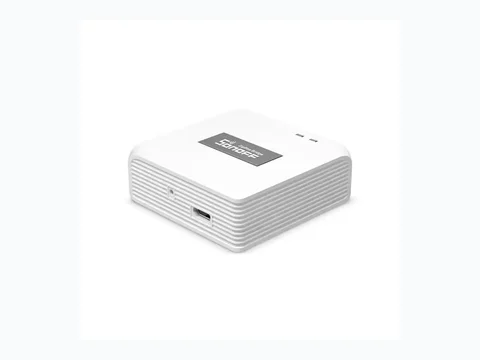
Sonoff Zigbee Bridge Pro — coordinator offline / 32 device limit
Symptoms — Sub-devices won’t pair; eWeLink « coordinator offline »; over 32 direct children (ITEAD forum).
Fix — Reboot Bridge Pro (stable USB power). Update eWeLink firmware. Remove ghost devices. Add Zigbee routers to extend mesh beyond direct limit.
If in doubt, contact the manufacturer's official support, use the brand's warranty service (or hire a qualified electrician for any 230 V wiring).
Sonoff ZBDongle-E — EZSP / Ember mismatch (firmware 7.4+)
Symptoms — Zigbee2MQTT won’t start adapter after update; Z2M GitHub: switch to **ember** driver.
Fix — In Z2M configuration.yaml: `adapter: ember` for Dongle-E. Flash Sonoff-recommended Ember firmware. Do not use Dongle-P (zStack) config on port E.
If in doubt, contact the manufacturer's official support, use the brand's warranty service (or hire a qualified electrician for any 230 V wiring).
Aqara P2 — Matter setup failed (PASE / Thread border router)
Symptoms — Matter commissioning fails on P2; forum: no Thread border router (Hub M3 / Homey / Apple TV).
Fix — Enable a Thread border router on the same account. Move sensor within 3 m. Factory-reset P2 (10 s button). Avoid QR bound to another ecosystem.
If in doubt, contact the manufacturer's official support, use the brand's warranty service (or hire a qualified electrician for any 230 V wiring).
Aqara — interview failed (sensor asleep)
Symptoms — Zigbee interview interrupted; battery sensor sleeps before ZCL completes.
Fix — Wake sensor (open door / motion), pair within 1 m of coordinator. Set `reporting` and `availability` in Z2M. CR2032 battery above 2.7 V.
If in doubt, contact the manufacturer's official support, use the brand's warranty service (or hire a qualified electrician for any 230 V wiring).
Aqara Thermostat T1 — code E1 / E2 (M30 valve)
Symptoms — E1 or E2 on display; M30x1.5 valve travel not calibrated or stuck piston (Aqara forum).
Fix — Run valve calibration in Aqara Home. Remove head, check M30 adapter, turn valve manually without force. Replace insert if stuck — warranty if covered.
If in doubt, contact the manufacturer's official support, use the brand's warranty service (or hire a qualified electrician for any 230 V wiring).
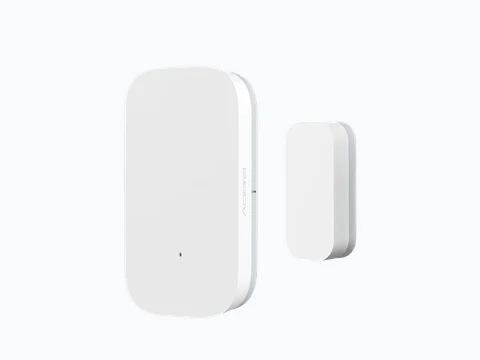
Aqara Hub M3 — Matter bridge migration error / lost Zigbee sensors
Symptoms — After Matter migration, Zigbee sensors missing; bridge migration message in app.
Fix — Update Hub M3 and app. Migrate stepwise (one ecosystem at a time). Re-pair Zigbee sensors on M3 if duplicated on old hub. Do not delete old hub before sync completes.
If in doubt, contact the manufacturer's official support, use the brand's warranty service (or hire a qualified electrician for any 230 V wiring).
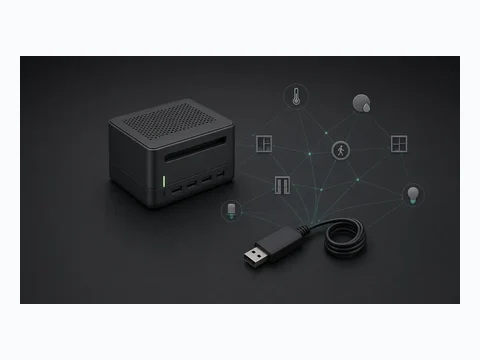
Home Assistant Yellow — PoE / CM4 won’t boot (yellow LED)
Symptoms — Solid yellow LED on Yellow, no HA access; forum: insufficient PoE or wrong UART jumper.
Fix — Test official 15 W USB-C before PoE. Check UART jumper per Nabu Casa docs. Reseat CM4 without force. Contact Nabu Casa if LED persists after power-cycle.
Warranty / support — In-warranty Yellow: Nabu Casa support — do not solder on CM4.
If in doubt, contact the manufacturer's official support, use the brand's warranty service (or hire a qualified electrician for any 230 V wiring).
Home Assistant — Supervisor eMMC warning / Recorder DB lock
Symptoms — eMMC lifespan warning, SQLite recorder locked or corrupt; slow UI.
Fix — Reduce `recorder` retention, exclude noisy entities. Backup then `ha core rebuild` on lock. Move recorder to USB SSD (Green) if warnings repeat.
If in doubt, contact the manufacturer's official support, use the brand's warranty service (or hire a qualified electrician for any 230 V wiring).
Home Assistant Yellow — Failed to probe (/dev/ttyAMA1)
Symptoms — ZHA or Z2M: failed to probe /dev/ttyAMA1 or ttyUSB0 on built-in Yellow radio.
Fix — Use documented device path for Yellow (Silabs firmware). Only one Zigbee stack active. Update radio firmware via Yellow dashboard. Remove conflicting USB dongle.
If in doubt, contact the manufacturer's official support, use the brand's warranty service (or hire a qualified electrician for any 230 V wiring).
Tapo P110 — error 1002 / KLAP handshake failed (HA)
Symptoms — Tapo local HA integration: Error 1002, KLAP handshake failed after recent firmware.
Fix — Update HA and Tapo integration. Regenerate local credentials in Tapo app (linked cloud). Same subnet, no AP isolation. Disable and re-enable entity.
If in doubt, contact the manufacturer's official support, use the brand's warranty service (or hire a qualified electrician for any 230 V wiring).
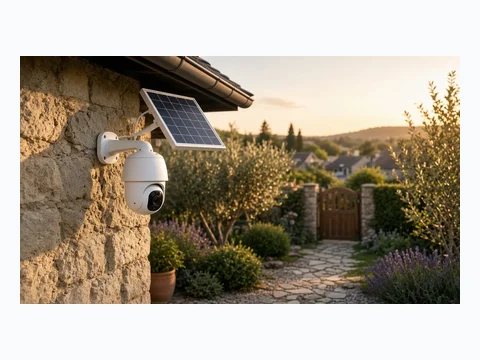
Tapo C220 — RTSP/ONVIF stream dropped (Error 401)
Symptoms — Frigate or HA: RTSP 401 Unauthorized; dedicated camera account not enabled.
Fix — In Tapo: Advanced Settings → Camera Account, create RTSP user/password. Use rtsp://user:pass@IP:554/stream1. Enable ONVIF if required.
If in doubt, contact the manufacturer's official support, use the brand's warranty service (or hire a qualified electrician for any 230 V wiring).
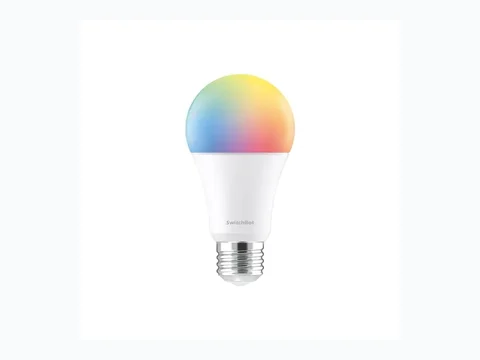
SwitchBot Hub 2 — Matter bridge sync error (entity limit)
Symptoms — Partial Matter exposure, sync error in app; forum: exposed entity limit.
Fix — Reduce Matter-exposed devices (prioritize Curtain/sensors). Update Hub 2. Reset Matter bridge then re-link one ecosystem at a time.
If in doubt, contact the manufacturer's official support, use the brand's warranty service (or hire a qualified electrician for any 230 V wiring).
SwitchBot Curtain 3 — lost calibration / rail slip
Symptoms — Motor slips on U-rail or rod; torque error, calibration lost after cleaning.
Fix — Clean rail and rollers. Full recalibration in app (top/bottom limits). Check load under SwitchBot max weight. Hub 2 within stable Bluetooth range.
If in doubt, contact the manufacturer's official support, use the brand's warranty service (or hire a qualified electrician for any 230 V wiring).
Hue Bridge — memory full (RulesFull / 50 lights)
Symptoms — Cannot add light or accessory; RulesFull error (~50 lights / 12 accessories).
Fix — Delete unused scenes and automations. Second Hue Bridge for another zone. Avoid duplicate rules in HA and Hue app.
If in doubt, contact the manufacturer's official support, use the brand's warranty service (or hire a qualified electrician for any 230 V wiring).
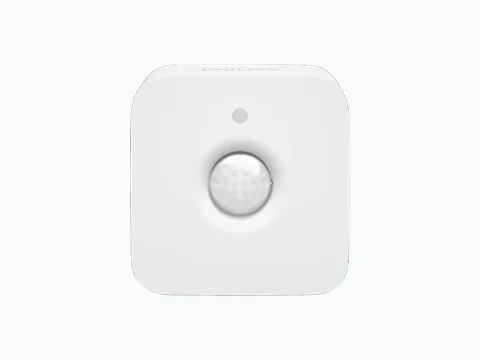
Hue Motion — red LED on trigger (Zigbee ch 25 / battery)
Symptoms — Red LED blinks on each detection; Zigbee channel 25 drop-off or CR2450 battery under 2.7 V.
Fix — Replace CR2450 battery. Move closer to Bridge or mains-powered Hue router. Change Bridge Zigbee channel if 2.4 GHz Wi-Fi interferes. Re-pair near Bridge.
If in doubt, contact the manufacturer's official support, use the brand's warranty service (or hire a qualified electrician for any 230 V wiring).
CyberPi / mBot2 — OSError [Errno 28] ENOSPC (mBlock 5)
Symptoms — Firmware update stuck; Makeblock forum: CyberPi storage full.
Fix — Delete unused CyberPi projects in mBlock, factory reset then reflash. Free disk space if mBlock cache is full.
If in doubt, contact the manufacturer's official support, use the brand's warranty service (or hire a qualified electrician for any 230 V wiring).
Arduino Uno R4 WiFi — DFU / bossac upload error
Symptoms — Upload fails in bossac mode; IDE asks for double-tap Reset for DFU.
Fix — Double-tap RESET quickly (LED fade) then upload within 8 s. Select correct « Arduino UNO R4 WiFi » port. Update arduino:renesas_uno core. Data USB cable.
If in doubt, contact the manufacturer's official support, use the brand's warranty service (or hire a qualified electrician for any 230 V wiring).
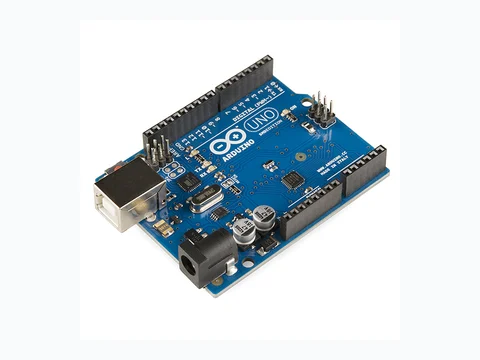
Arduino Uno R3 — avrdude stk500_getsync(): not in sync
Symptoms — IDE upload: stk500_getsync(): not in sync, resp=0x00.
Fix — Close serial monitor. Correct COM port, CH340 driver if clone. Press reset just before upload. Try another cable / rear USB port.
If in doubt, contact the manufacturer's official support, use the brand's warranty service (or hire a qualified electrician for any 230 V wiring).
No matches — widen filters or suggest your error code above.
Official manufacturer support & warranty
- Shelly (Allterco Robotics)
- Sonoff (ITEAD)
- Homey (Athom)
- Aqara
- Makeblock (mBot / mBlock)
- Support portal
- Email: support@makeblock.com
- Phone: +86 755 2639 2228