Raspberry Pi PIR motion sensor for Home Assistant lighting
HC-SR501 on GPIO, MQTT occupancy to Home Assistant, automation to turn lights on and off—no mains wiring on the Pi.
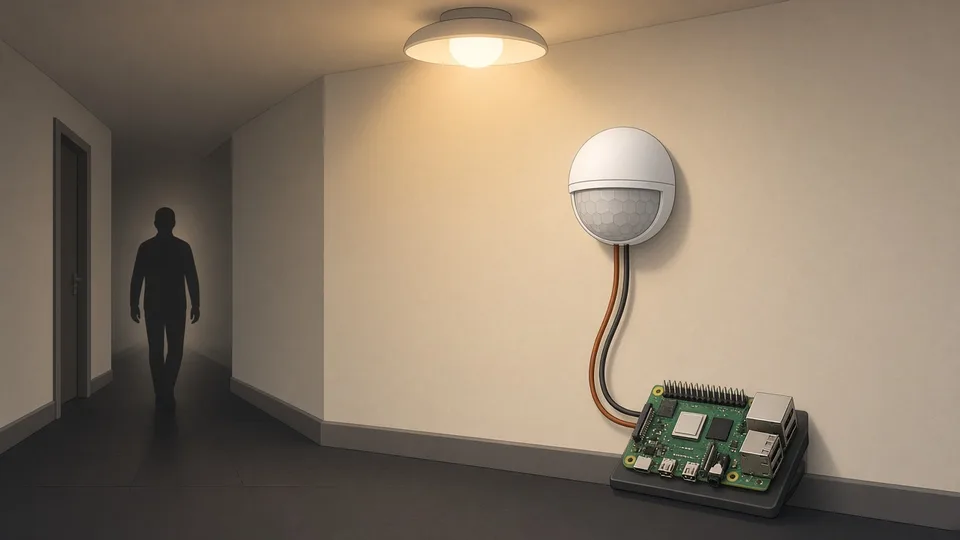
AI-generated illustration
HC-SR501 on GPIO, MQTT occupancy to Home Assistant, automation to turn lights on and off—no mains wiring on the Pi.
Also available in French.
Light the hall or utility room when someone walks in—without flipping a switch. A PIR (HC-SR501) on a Raspberry Pi does not switch mains: it reports occupancy to Home Assistant, which controls your existing smart bulbs or relays. Safer and flexible.
| Time | Level |
|---|---|
| ~45 min | Beginner |
Module runs on 5 V; OUT is 3.3 V—safe on Pi GPIO.
| PIR | Pi (physical) |
|---|---|
| VCC | 2 (5V) |
| OUT | 7 (GPIO4) |
| GND | 6 (GND) |
Jumper H (repeat trigger); time dial minimum—HA handles timeout. Adjust sensitivity pot as needed.
Download presence_pir_mqtt.py. Uses gpiozero MotionSensor—works on Pi 5 with lgpio, not legacy RPi.GPIO.
alias: Hall light on motion
mode: restart
triggers:
  - trigger: state
    entity_id: binary_sensor.raspberry_pi_pir_hall_occupancy
    to: "on"
actions:
  - action: light.turn_on
    target:
      entity_id: light.hall
  - wait_for_trigger:
      - trigger: state
        entity_id: binary_sensor.raspberry_pi_pir_hall_occupancy
        to: "off"
        for: "00:02:00"
  - action: light.turn_off
    target:
      entity_id: light.hall
Replace entity ids. Use a dimmable bulb if you add night dimming:
data:
brightness_pct: "{{ 15 if now().hour >= 23 or now().hour < 6 else 100 }}"presence-pir.service with MQTT env vars—same pattern as door sensor.
python3-lgpio, venv with --system-site-packages.PIR_GPIO if GPIO4 used by 1-Wire etc.Sources: Adafruit PIR guide · gpiozero MotionSensor.
Also: door notifications · getting started.
Torn between two models or stuck on a build? Drop us a line and we will get back to you by email.