Raspberry Pi 5: 2GB, 4GB, 8GB or 16GB? Which RAM to buy
Which Raspberry Pi 5 memory size should you buy? What each RAM option is good for, the cooling and power supply you also need, and a quick decision tree.
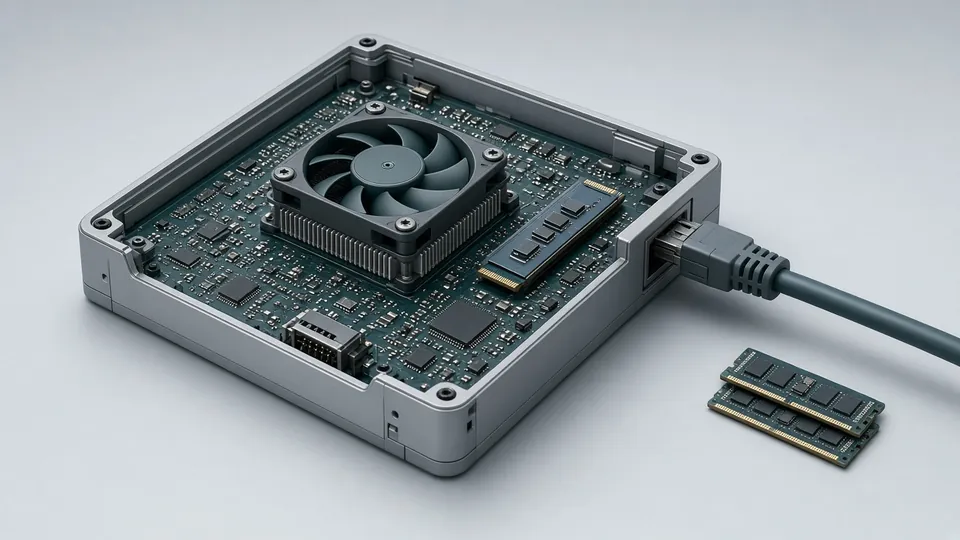
AI-generated illustration
Which Raspberry Pi 5 memory size should you buy? What each RAM option is good for, the cooling and power supply you also need, and a quick decision tree.
The Raspberry Pi 5 is built around the Broadcom BCM2712: four Cortex-A76 cores at 2.4 GHz, a VideoCore VII GPU and the RP1 I/O controller. It is also the first full-size Raspberry Pi with a PCIe 2.0 ×1 link, which opens the door to NVMe SSDs through an add-on board. Specs from the official Raspberry Pi 5 page.
This guide covers the memory options in the range (availability varies by country), what you must budget for cooling and power, and how to choose.
| RAM | Typical use |
|---|---|
| 1GB | Ultra-low-cost edge jobs: simple scripts, a light gateway. Little headroom for a web browser or IDE. |
| 2GB | Minimal servers, displays, bots. Not ideal as a family desktop with many browser tabs. |
| 4GB | The all-round choice: Raspberry Pi OS desktop, coding, modest web stacks, Home Assistant. |
| 8GB | Several containers, databases, serious compiling, a desktop with many background services. |
| 16GB | Rarely needed on a single-board computer: small local AI models, big builds, caches. Only buy it if you know why. |
Memory is LPDDR4X-4267 on the Pi 5 (LPDDR4-3200 on the Pi 4).
Prices move often and differ between the UK and the US: check current price with an official reseller. US: Raspberry Pi 5 4GB on Amazon.com or Raspberry Pi 5 8GB on Amazon.com (affiliate links). The gap between 4GB and 16GB can be large.
The Pi 5 is sold through Raspberry Pi’s approved resellers in each country. In the US, SparkFun is one of them: Raspberry Pi 5 at SparkFun (affiliate link).
Flash Raspberry Pi OS with Raspberry Pi Imager, exactly as on earlier models.
Key takeaway: choose the Pi 5 on RAM first (4GB or 8GB for most people), then on a good power supply and cooling.
See also: Raspberry Pi 3 vs 4 vs 5.