ESP32 + ESPHome temperature sensor for Home Assistant (condensed)
Build a room temperature and humidity sensor with ESP32, DHT22 or BME280 and ESPHome—wiring sketch, minimal YAML, and links to full ESPHome docs.
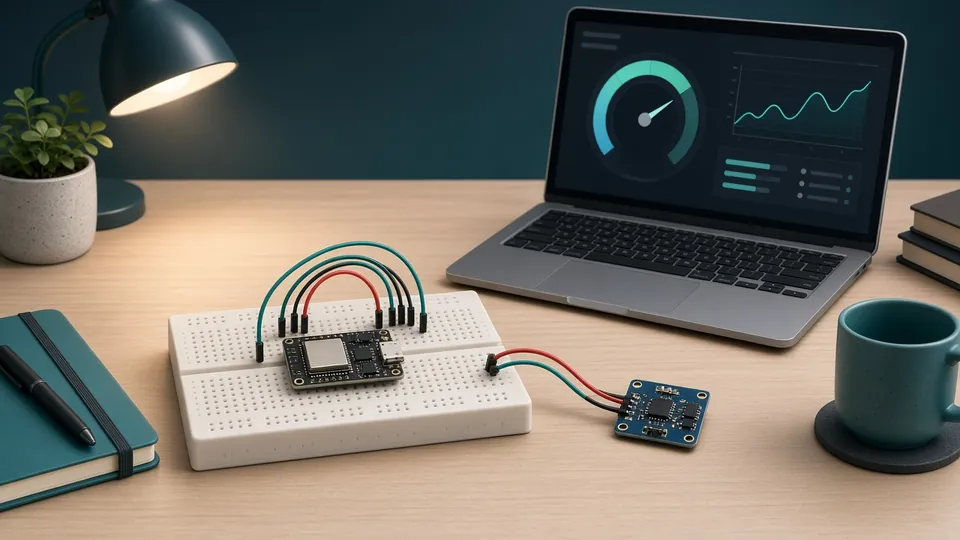
AI-generated illustration
Build a room temperature and humidity sensor with ESP32, DHT22 or BME280 and ESPHome—wiring sketch, minimal YAML, and links to full ESPHome docs.
Also available in French.
A DIY ESP32 temperature sensor with ESPHome shows up automatically in Home Assistant—good when you want USB power and full control. This is a short path; for deep troubleshooting, enclosures and battery builds, see the full ESPHome getting started with Home Assistant and our ESP32 project ideas.
Board choice: which ESP32 for smart home.
| Item | Notes |
|---|---|
| ESP32 dev board | Classic ESP32 or ESP32-C6 DevKit—search UK · US |
| DHT22 | Simple 1-wire, ±0.5 °C typical—UK · US |
| BME280 (optional) | I2C, humidity + pressure—UK · US |
| Breadboard + dupont wires | Prototype before enclosure |
Use 2.4 GHz Wi-Fi only (ESP32 does not join 5 GHz).
Settings → Add-ons → ESPHome → Install → Start → Show in sidebar. Docs: ESPHome on Home Assistant.
DHT22          ESP32
VCC    →       3.3V
DATA   →       GPIO4
GND    →       GND
Optional 4.7 kΩ from DATA to 3.3V if reads are unstable on long wires.
BME280 (I2C): VCC/GND to 3.3V/GND; SDA/SCL to board defaults (often GPIO21/22 on classic ESP32, GPIO6/7 on some C6 boards—check your pinout).
living-room-sensor → pick chip type.Edit the device and add or merge:
sensor:
  - platform: dht
    pin: GPIO4
    model: DHT22
    temperature:
      name: "Living Room Temperature"
    humidity:
      name: "Living Room Humidity"
    update_interval: 60s
BME280: use bme280_i2c with i2c: block—see ESPHome BME280.
Install wirelessly (OTA) after the first USB flash.
Entities appear as sensor.living_room_temperature etc. Add to dashboard; automate heating with a Zigbee plug (temperature sensors compared).
Example: turn on radiator plug when below 19 °C between 06:00–22:00—same pattern as Zigbee sensors in our getting started path.
update_interval under 2 s.offset filter in YAML.Prefer no soldering and battery life? Use Zigbee temperature sensors instead.
Torn between two models or stuck on a build? Drop us a line and we will get back to you by email.