Smart home for beginners (UK & US): where to start in 2026
A practical first smart home plan for UK and US homes: Wi-Fi, Zigbee, Thread and Matter explained, what to buy first, and the electrical rules that differ between 230V and 120V.
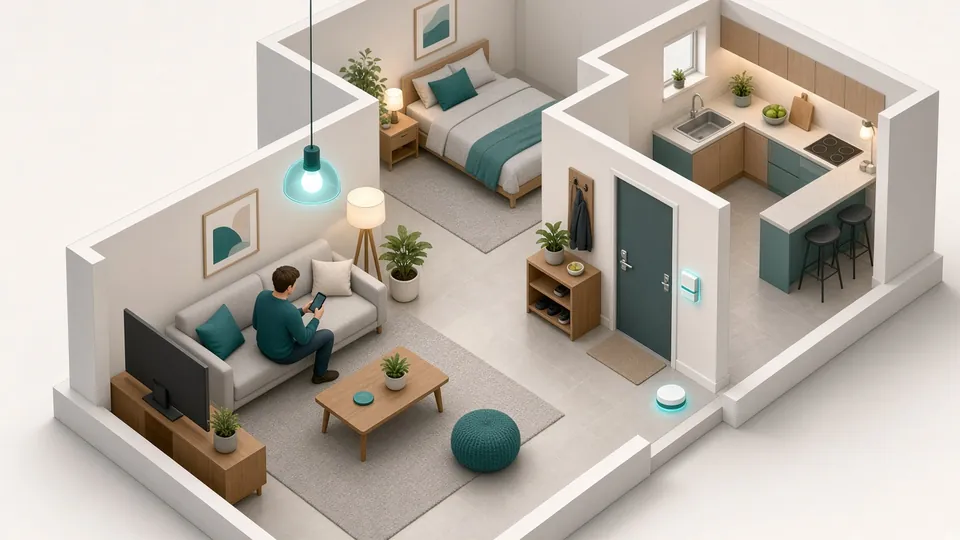
AI-generated illustration
A practical first smart home plan for UK and US homes: Wi-Fi, Zigbee, Thread and Matter explained, what to buy first, and the electrical rules that differ between 230V and 120V.
A smart home doesn’t have to start with a big hub and a weekend of wiring. This guide gives you a step-by-step path that works in a UK flat or a US house, and flags the points where the two countries really differ: plugs, mains voltage, certification and who is allowed to wire what.
| Standard | Strengths | Limits | Good for |
|---|---|---|---|
| Wi-Fi (2.4 GHz) | no hub, simple app | uses more power, often relies on the maker’s cloud | your first smart plug or bulb |
| Zigbee 3.0 | low power, mesh network, works locally | needs a USB coordinator or hub | sensors, plugs, radiator valves |
| Thread | mesh, low power, IP-based | fewer devices so far | future-proof battery devices |
| Matter | one standard across Apple Home, Google Home, Alexa and SmartThings | still maturing; runs over Wi-Fi or Thread | buying devices that won’t lock you in |
| United Kingdom | United States | |
|---|---|---|
| Plug / socket | Type G (BS 1363), fused plug, 13 A max | Type A/B (NEMA 1-15 / 5-15), usually 15 A circuits |
| Mains voltage | 230 V, 50 Hz | 120 V, 60 Hz |
| Product safety marking | UKCA (CE still accepted for many goods) | FCC for radio devices; UL or ETL listing for mains safety |
| Wired switches and relays | domestic electrical work must comply with Part P (England and Wales); use a registered electrician for new circuits | follow local electrical code (NEC); permits and licensed electricians vary by state |
Practical rule: always buy the UK or US version of a plug-in device. An EU plug in a travel adaptor is not a safe permanent solution, especially for high loads such as heaters.
Step 1: start with Wi-Fi and no hub. One or two smart plugs with energy monitoring let you schedule a lamp and see what your appliances really use. Shelly makes plugs in local versions: see the Shelly smart plug range and pick the UK or US model.
Step 2: add a home hub. For local control, install Home Assistant on a ready-made Home Assistant Green or on a Raspberry Pi 5: compare them in Home Assistant Green vs Raspberry Pi 5.
Step 3: add a Zigbee coordinator and your first sensors. Temperature, door and motion sensors are cheap and run for months on a coin cell. See the best Zigbee dongle for Home Assistant.
Step 4: expand where it helps. Relays behind switches (a job for an electrician if you’re not qualified), radiator valves, a robot vacuum or DIY ESP32 sensors.