Educational robot at age 6: what to choose in 2026
Which robot for a 6-year-old? Reading, screen, and assembly criteria, a 2026 shortlist from screen-free kits to a first Scratch, and mistakes to avoid.

Getting started
Home Assistant
Buying
Which robot for a 6-year-old? Reading, screen, and assembly criteria, a 2026 shortlist from screen-free kits to a first Scratch, and mistakes to avoid.
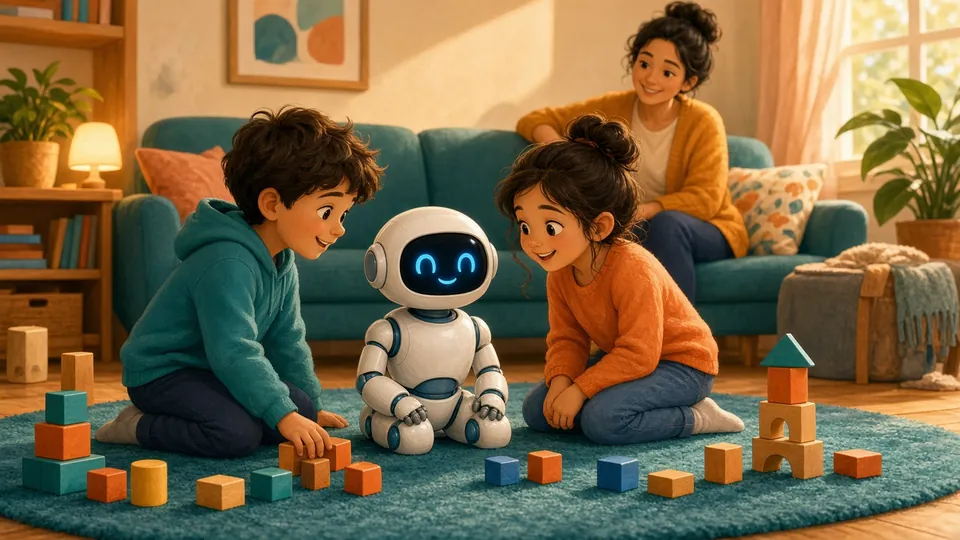
AI-generated illustration
Some links on this page are affiliate links. The button opens Amazon so you can check today’s price.
Euro amounts below are Amazon.com readings. They are not converted. Cultura, Eurekakids, and Makerfire are French shops named in the original shortlist.
Compare Christmas 2026 availability and prices at partner shops (Amazon, Cultura in France, and specialist stores):
Immediate programming with an arrow remote, obstacle detection, and black-line following, with no tablet.
around $110 euros on Amazon.com.
Amazon.com See it at Cultura See it at Eurekakids
An expressive robot that arrives assembled, with an LED matrix, color and sound sensors, and a USB battery. You program it in mBlock blocks, then in Python.
Indicative range: about 139–159 euros (check today’s price).
Amazon.com See it at Cultura See it at Makerfire
A modular board game with a maze, tunnels, challenge cards, and direct programming from colored buttons on the mouse’s back.
Indicative range: about 55–69 euros (check today’s price).
Amazon.com See it at Cultura See it at Eurekakids
At 6, the best robot is the one the child can program alone in under ten minutes, without reading well. In France this is CP, the first year of elementary school: reading is just starting, the wish to “do it myself” surges, and patience is still short. A robot that is too simple bores them in a week. A robot that is too technical ends up in the cupboard. This guide helps you aim between the two.
At 5, the child chains two or three commands with an adult beside them (see our robot guide for age 5). At 7–8, they move on to Scratch blocks and the first sensors (see the robot guide for ages 7–8). Six is the bridge between the two:
Arrow cards, buttons on the robot’s back, colored blocks, or pictograms on a tablet: the child has to understand the interface without asking you to read it for them. This is criterion number one.
Screen-free robots (coding with cards or buttons) are a good start, and they reassure parents who limit the tablet. A robot driven by an app can work, if the app has a “picture blocks” mode and you set time slots. Our screen-free robot guide goes into that approach.
At 6, the wish is to play right away. A robot that is ready to use, or a build of a few minutes, is preferable to an 80-piece kit of screws, which stays a parent project.
A good robot at 6 offers several levels: simple sequences, then loops, then conditions (“if you see an obstacle…”). Some models even move on to Scratch, which extends their life to ages 9–10.
Falls off the table, wheels pulled off, forgotten batteries: prefer a USB rechargeable battery, or plan rechargeable cells, and a closed chassis.
| Robot | Role in this guide |
|---|---|
| Botley 2.0 | Best screen-free |
| Codey Rocky | Through to Scratch |
| Code & Go mouse | Smaller budget |
You program Botley with an arrow remote: the child enters a sequence of moves, presses “go,” and watches the robot carry it out. There is no app and no tablet, and the illustrated coding cards are a memory aid for planning the path. Botley can also follow a black line and detect an obstacle, which opens the first idea of a condition (“if obstacle, then turn”). It is aimed at ages 5 and up and stays interesting for two to three years thanks to longer and longer challenges.
Learning Resources Botley 2.0 — from age 5. Programming: arrow remote, coding cards. Badge: best screen-free.
Good to know: there are several Botley 2.0 boxes. The one we keep (46 pieces) includes the robot, the remote, removable arms, coding cards, and path accessories. A fuller version adds game boards, for about 40 euros more. Batteries are not included: plan rechargeable cells.
Codey Rocky is a small robot that arrives assembled, with an LED screen, color, light, and sound sensors, and a gyroscope. You program it on a tablet or a computer with mBlock, Makeblock’s version of Scratch. At 6 it needs an adult for the first sessions, and it is the robot in this shortlist that will last the longest: you can keep it until 10–12 and even touch Python. Our comparison mBot vs Codey Rocky goes into its strengths.
Makeblock Codey Rocky — ages 6–12. Programming: blocks (mBlock / Scratch), Python. Badge: through to Scratch.
Colby, the robot mouse, is programmed with the buttons on its back. The activity kit adds 16 maze plates, 22 walls, 3 tunnels, a cheese to reach, 30 coding cards, and 10 challenge cards: it is a logic board game as much as a robot. It is sold from age 4 (AAA batteries not included), so it fits a 6-year-old discovering coding, or play with several children (siblings, a first-grade class). A child who is already comfortable will tire of it sooner than of Botley.
Learning Resources Code & Go, robot mouse kit — from age 4, ideal at 5–7. Programming: buttons on the robot, challenge cards. Badge: smaller budget.
From 4 or 5 with button or card robots, with no reading required. At 6 a child can chain longer sequences and understand repetition. Scratch-style blocks become comfortable around 7 or 8.
Not always. Programming a robot on a tablet is a making activity, very different from a cartoon. Set short slots (20 minutes) and alternate with screen-free robots or games.
Not at 6. Building with a screwdriver becomes interesting around 8, with an adult. At this age the point is to program quickly and often.
For a 6-year-old, Botley 2.0 is the safest choice if you want to avoid screens, Codey Rocky is the one that will stay with them the longest, and the Code & Go mouse is the right low-price way in. Whatever you choose, bet on short sessions, concrete challenges, and an adult who plays along the first few times. For the next step, our 7–8-year guide takes over.
Amazon.com (Botley 2.0) Amazon.com (Codey Rocky)
Prices and availability checked on amazon.com on 19 October 2026. They can change. The Botley 2.0 figure of around $110 euros is the Amazon.com snapshot.
Was this page helpful?
Thank you!
What should we improve?
Torn between two models or stuck on a build? Drop us a line and we will get back to you by email.
Cookies and analytics
We use Google Analytics 4 to understand how the site is used (page views, navigation). It is only switched on if you accept. Declining does not stop you using the site. More: cookie settings and privacy policy (in French).