Connect Four in Python, chapter 2: display and gravity
Print a Connect Four board with . X O, and drop a token into the lowest free cell of a column.

Getting started
Home Assistant
Buying
Print a Connect Four board with . X O, and drop a token into the lowest free cell of a column.
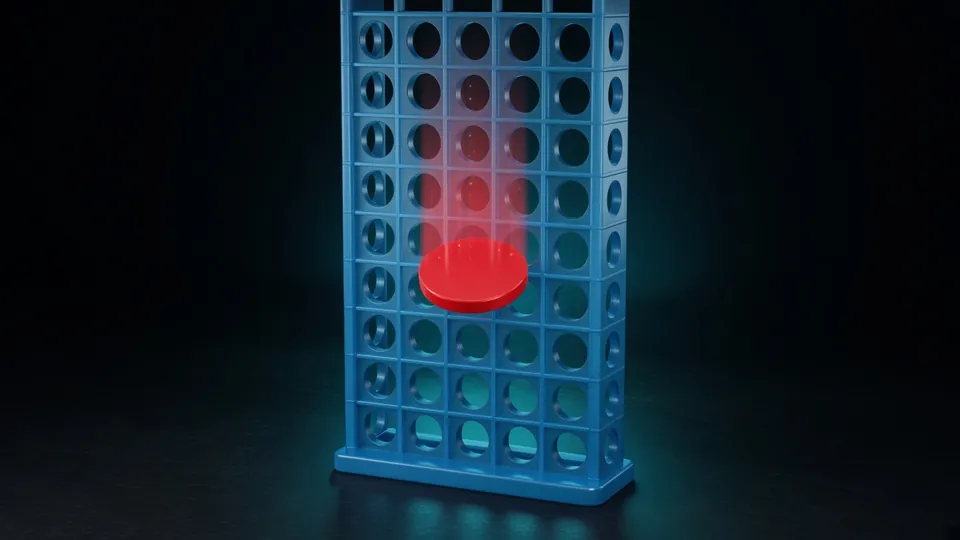
AI-generated illustration
The downloadable script is the same file as on the French page, so its messages stay in French.
Chapter 1 stored the board. This chapter makes it readable and lets a token fall.
afficher_grille prints the column numbers 1 to 7, then each row. The dictionary SYM turns 0, 1 and 2 into ., X and O. Humans count columns from 1. The lists still use indexes 0 to 6, so the printed number is the index plus one.
colonne_jouable refuses a column that is outside 0–6, and a column whose top cell (grille[0][col]) is already taken. If the top is full, there is nowhere left to fall.
jouer_colonne walks the rows from the bottom: range(LIGNES - 1, -1, -1) is 5, 4, 3, 2, 1, 0. It writes the player’s number into the first empty cell and returns True. If no cell is free it returns False. A failed drop must not be treated as a move. Chapter 3 uses that False to keep the same player.
The demonstration drops three tokens into column index 3: X, then O, then X. On screen that is column 4, stacked from the bottom.
The bottom three cells of column 4 show X, O and X, with X at the bottom. The other cells stay .. If a token appears at the top, the loop is running from the top downward.
hauteur_colonne(grille, col): how many cells in that column are not empty.jouer_colonne eight times on the same column. The last two calls must return False, and the board must not grow.#!/usr/bin/env python3
# -*- coding: utf-8 -*-
"""
Puissance 4 — Chapitre 2/6 : affichage ASCII, gravite, jouer_colonne.
Lancer : python puissance4_chapitre_02.py
"""
VIDE = 0
J1 = 1
J2 = 2
LIGNES = 6
COLONNES = 7
SYM = {0: ".", 1: "X", 2: "O"}
def nouvelle_grille():
return [[VIDE for _ in range(COLONNES)] for _ in range(LIGNES)]
def afficher_grille(grille):
print(" " + " ".join(str(c + 1) for c in range(COLONNES)))
for ligne in grille:
print(" " + " ".join(SYM[cell] for cell in ligne))
def colonne_jouable(grille, col):
return 0 <= col < COLONNES and grille[0][col] == VIDE
def jouer_colonne(grille, col, joueur):
if not colonne_jouable(grille, col):
return False
for ligne in range(LIGNES - 1, -1, -1):
if grille[ligne][col] == VIDE:
grille[ligne][col] = joueur
return True
return False
if __name__ == "__main__":
g = nouvelle_grille()
jouer_colonne(g, 3, J1)
jouer_colonne(g, 3, J2)
jouer_colonne(g, 3, J1)
print("Exemple : trois pions dans la colonne 4 (indice 3)\n")
afficher_grille(g)Chapter 3 — read a column and take turns. Chapter 1.
Was this page helpful?
Thank you!
What should we improve?
Torn between two models or stuck on a build? Drop us a line and we will get back to you by email.
Cookies and analytics
We use Google Analytics 4 to understand how the site is used (page views, navigation). It is only switched on if you accept. Declining does not stop you using the site. More: cookie settings and privacy policy (in French).