Zigbee temperature sensors for Home Assistant (2026)
Compare SNZB-02D, Aqara T1 and Tuya Zigbee temperature sensors: accuracy, battery, placement and heating automations for Home Assistant.

Compare SNZB-02D, Aqara T1 and Tuya Zigbee temperature sensors: accuracy, battery, placement and heating automations for Home Assistant.
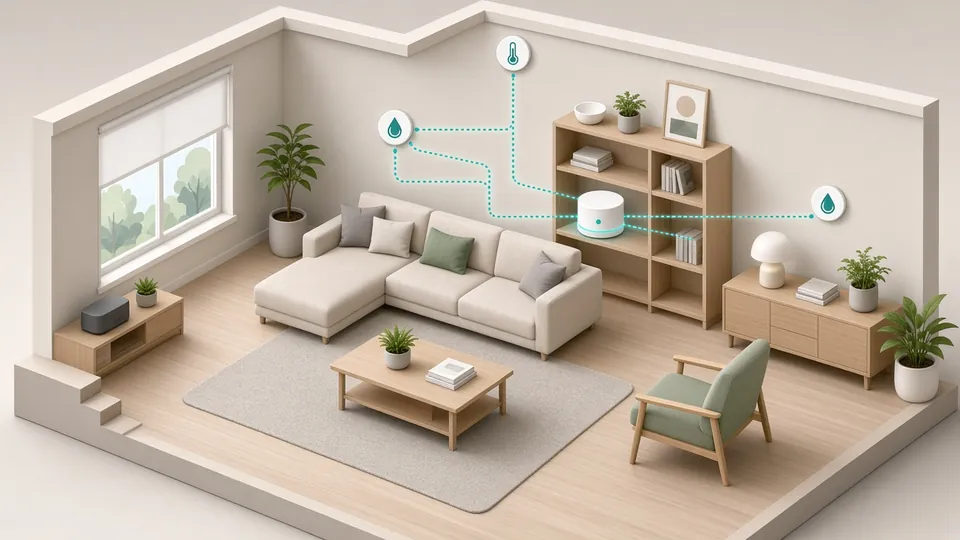
AI-generated illustration
Also available in French.
Quick answer (November 2026) — For most homes: SONOFF SNZB-02D (LCD display, ±0.2 °C claimed, CR2450 ~2 years). Need atmospheric pressure or e-ink? Aqara T1. Minimum budget without display: Tuya TS0201.
Part of our smart home hub. Zigbee is a low-power 2.4 GHz mesh; Home Assistant (HA) is your local automation server; ZHA is Zigbee built into HA; Zigbee2MQTT is an alternative stack with an MQTT broker.
A Zigbee temperature sensor in each heated room lets you automate heating, spot dry air and get freeze alerts. This guide compares five common Zigbee 3.0 models — no fixed prices; check retailers when you buy.
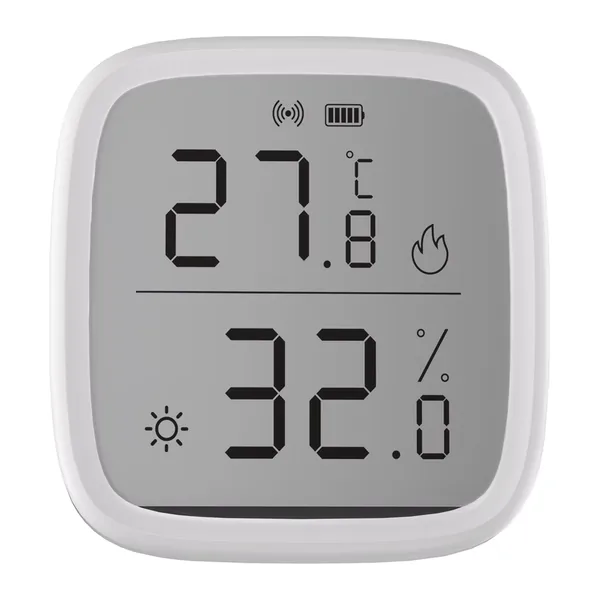
Product photo: SONOFF SNZB-02D (typical retail packaging).
| Model | Measures | Display | Accuracy (maker) | Battery (maker) | Cell | Best for |
|---|---|---|---|---|---|---|
| SONOFF SNZB-02D | Temp, humidity | LCD | ±0.2 °C, ±2 % RH | ~2 years | CR2450 | Top pick—display, accuracy, battery |
| Aqara T1 (WSDCGQ11LM) | Temp, humidity, pressure | E-ink | ±0.3 °C, ±3 % RH | 1–2 years | CR2032 | Compact, pressure trend |
| SONOFF SNZB-02P | Temp, humidity | None | ±0.4 °C, ±4 % RH | ~1.5 years | CR2477 | Budget, no display |
| Tuya TS0201 | Temp, humidity | None | ±0.5 °C, ±5 % RH | ~1 year | 2× AAA | Cheapest, AAA cells |
| Aqara FP2 (mmWave) | Temp, humidity, presence | None | ±0.5 °C (secondary) | Mains USB-C | — | Presence first, temp bonus |
Buy (affiliate — check price): SNZB-02D Amazon UK · Amazon US · 2-pack UK
One per heated or monitored room is enough—you do not need one in every closet.
Good: centre of room, 1.2–1.8 m height, away from direct sun.
Avoid: above radiators, in front of open windows, inside steamy bathrooms (condensation on the sensor).
Range: ~10–15 m indoors through a couple of walls—add mains Zigbee routers (smart plugs) if farther: smart plugs and Zigbee dongle.
Entities: sensor.*_temperature, sensor.*_humidity, battery %.
Heat below 19 °C (daytime only):
automation:
Nursery alert outside 17–24 °C and humidity above 70 % for an hour follow the same pattern with notify.mobile_app.
Zigbee vs Wi-Fi sensor?
Zigbee: coin cell, mesh, local. Wi-Fi: often cloud-only and heavier on the router.
Do I need Zigbee2MQTT?
No — ZHA is enough for these models. See Zigbee2MQTT vs ZHA.
Thread or Matter temperature sensors?
Growing in 2026; our tested path remains Zigbee + HA for price and battery life.
Zigbee: coin cell, no cable, months–years on battery. ESP32 + ESPHome: USB power, cheaper parts, fully custom—ESPHome temperature guide.
Also: SONOFF brand page · PIR lighting on Raspberry Pi · Install Home Assistant on Pi 5.
Torn between two models or stuck on a build? Drop us a line and we will get back to you by email.