Arduino robot kit for kids: how to choose (2026)
Is an Arduino robot kit right for your child? Age, skills, what's in the box, Arduino vs mBot vs Raspberry Pi, and first steps with the Arduino IDE.
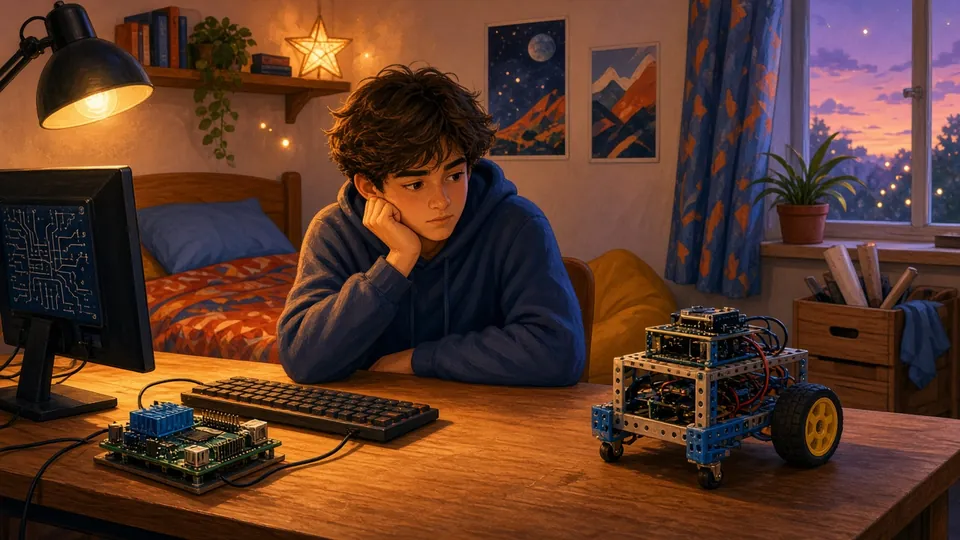
AI-generated illustration
Is an Arduino robot kit right for your child? Age, skills, what's in the box, Arduino vs mBot vs Raspberry Pi, and first steps with the Arduino IDE.
An Arduino robot kit is a box of parts (a controller board, motors, sensors, a chassis and wires) that your child assembles and then programs in C/C++ with the free Arduino IDE. It is a step up from block-based robots: more wiring, more typing, but skills that carry over to almost any electronics project.
Learn to code it: our free Arduino C course starts with sketch structure and Serial.
Torn between two models or stuck on a build? Drop us a line and we will get back to you by email.