pyproject.toml: modern Python packaging (guide)
Learn pyproject.toml (PEP 621): venv, python -m build, wheels, console_scripts and salutcli mini-project. 20 exercises. Updated October 2026.

Learn pyproject.toml (PEP 621): venv, python -m build, wheels, console_scripts and salutcli mini-project. 20 exercises. Updated October 2026.
Short answer (October 2026): to make a Python project installable with pip (Python’s package installer), describe it in pyproject.toml following PEP 621 — a PEP (Python Enhancement Proposal, an official language change proposal). Build a wheel (.whl archive) with python -m build, then test with pip install -e . or pip install dist/….whl. This lesson sits on the advanced Python track after advanced typing and leads into the CLI journal packaging chapter (6/6).
Shipping a library or a command-line application means typing commands in a terminal (text window). CLI stands for Command Line Interface. You package code in a standard way: metadata, a clear src/ layout, a console_scripts entry (the shell command name after install, e.g. salutcli), and wheels for pip. The pyproject.toml file holds this configuration. A build backend (tool that reads pyproject.toml and builds the distribution) is declared under [build-system] — common choices are setuptools, hatchling, flit, and poetry; this guide uses setuptools.
This lesson is 100% Python packaging — no robot required. An editor and a venv with pip (isolated virtual environment) are enough.
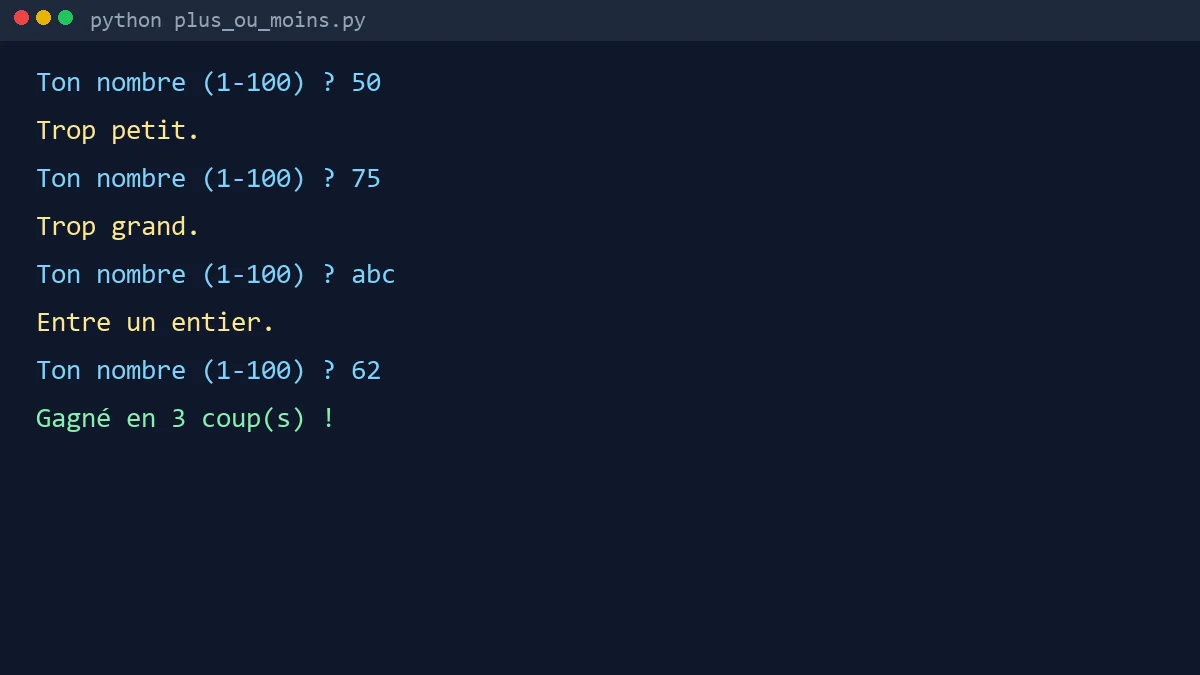
Screenshot (Emmanuel Sauvage, Robot Éducatif — October 2026): check Python and pip in a terminal, preferably with an active venv.
| Info | Detail |
|---|---|
| Goal | Valid pyproject.toml, build a wheel, install and run a CLI command |
| Level | Intermediate → advanced (exercises 15–20) |
| Time | 45–90 minutes (mini-project + exercises) |
| Prerequisites | venv and pip, Python basics, pathlib helps |
| Expected result | A dist/ folder with .whl + a working salutcli command (mini-project) |
pyproject.toml (concept)Three blocks are enough to start:
[build-system]
requires = ["setuptools>=61"]
build-backend = "setuptools.build_meta"

[project]
name = "mytool"
version = "0.1.0"
dependencies = ["requests>=2.28"]

[project.scripts]
mytool = "mytool.cli:main"
[build-system] — which tool builds the wheel (here setuptools).[project] — name, version and dependencies (visible on PyPI if you publish).[project.scripts] — registers a shell command; mytool.cli:main points to main in cli.py.pip install -e . installs in development mode (-e = editable): source changes apply without reinstalling each time. The . is the folder that contains pyproject.toml.
Check: pip show mytool should list version and install path.
python -m build creates two files under dist/:
.whl) — pre-built archive; fast pip install..tar.gz, source distribution) — source archive rebuilt on the user’s machine (slower).For learning, a local wheel and pip install -e . are enough — no PyPI account required.
pyproject.toml, artefacts in dist/ — Emmanuel Sauvage, Robot Éducatif, October 2026.Semantic versioning uses MAJOR.MINOR.PATCH (e.g. 1.2.3). In dependencies, ~=, >=, < are constraints for the pip resolver (engine that picks compatible versions).
salutcli commandGoal: an installable package that prints “Hello” with an optional name argument. About 30–40 minutes.
src/)salutcli/
├── pyproject.toml
├── README.md
└── src/
└── salutcli/
├── __init__.py
└── cli.pysrc/salutcli/cli.py:
import sys

def main() -> None:
    name = sys.argv[1] if len(sys.argv) > 1 else "world"
    print(f"Hello, {name}!")

if __name__ == "__main__":
    main()
pyproject.toml (full example):
[build-system]
requires = ["setuptools>=61"]
build-backend = "setuptools.build_meta"

[project]
name = "salutcli"
version = "0.1.0"
requires-python = ">=3.10"
dependencies = []

[project.scripts]
salutcli = "salutcli.cli:main"

[tool.setuptools.packages.find]
where = ["src"]salutcli/)pip install -e .salutcli Ada → should print Hello, Ada!cli.py without reinstalling — editable mode picks up changes.python -m build (install build first if needed).dist/ for .whl and .tar.gz.pip install dist/salutcli-0.1.0-py3-none-any.whl.Check: pip show salutcli lists name, version and install location.
| Symptom | Fix |
|---|---|
ModuleNotFoundError after pip install -e . |
Check where = ["src"] and package folder under src/; review venv and pip |
salutcli not found |
Reactivate the venv; on Windows, open a new terminal after install |
python -m build fails |
pip install build; validate TOML syntax |
| Wrong version installed | Bump version in [project] or pip uninstall salutcli |
| Imports the wrong package from cwd | Prefer src/ layout |
ERROR: File "setup.py" not found |
Expected with pyproject.toml only — install build and run python -m build, not python setup.py |
twine upload rejected |
Check version (not already on PyPI), TestPyPI vs production, and 2FA |
Do I need PyPI to learn this? No. Local wheels and pip install are enough. PyPI is for publishing to others.
Wheel vs sdist? A wheel installs as-is; an sdist is rebuilt from source on install.
Do I still need setup.py? For new projects, pyproject.toml only with setuptools ≥ 61 is standard.
pyproject.tomlExercise 1 — Name the two common artefact files produced by python -m build. Easy
.whl (wheel) and .tar.gz (sdist)Exercise 2 — What does pip install -e . do? Easy
# Editable install: pip links to the current project's sources.
# Changes under src/ apply without repeating pip install.
Exercise 3 — Where do you declare a CLI foo pointing to pkg.cli:main? Easy
[project.scripts]
foo = "pkg.cli:main"
Exercise 4 — Difference between historical setuptools install_requires and [project] dependencies. Easy
# PEP 621 standardises metadata in [project].dependencies;
# setuptools maps them into wheel metadata (replaces legacy install_requires).
Exercise 5 — Why is a src/ layout recommended? Easy
# Avoids accidentally importing the wrong package from the current directory.Exercise 6 — What is a MANIFEST.in file for? Easy
# Include non-Python files in the sdist (data, templates).Exercise 7 — [project.optional-dependencies]: example dev with pytest. Easy
[project.optional-dependencies]
dev = ["pytest>=7"]Exercise 8 — pip install command with the dev extra. Intermediate
pip install ".[dev]"Exercise 9 — Role of __version__ in __init__.py vs importlib.metadata.version("pkg"). Intermediate
# importlib.metadata reads the installed version from wheel metadata —
# source of truth after pip install (avoids drift from hard-coded __version__).
Exercise 10 — requires-python = ">=3.10" in [project]. Intermediate
requires-python = ">=3.10"Exercise 11 — Why twine upload rather than pip for PyPI? Intermediate
# Dedicated upload tool with checks and secure HTTPS uploads to the index.Exercise 12 — packages = ["pkg"] in setuptools vs automatic find:. Intermediate
# find discovers sub-packages; manual listing is fine for a simple structure.Exercise 13 — Name a build backend other than setuptools. Intermediate
hatchling, flit, poetry-core, pdm-backendExercise 14 — LICENSE file and [project] license — legal importance. Intermediate
# Clarifies reuse rights; required for a serious publication.Checkpoint before Hard level: you can write a minimal [project] table, declare a console_scripts entry, build with python -m build, and install editable with pip install -e .. If any step fails, redo the salutcli mini-project first.
Exercise 15 — dynamic = ["version"] with setuptools-scm — idea. Hard
[project]
dynamic = ["version"]
[tool.setuptools_scm]
Version is derived from Git tags (e.g. v1.2.3 → 1.2.3).
Exercise 16 — A pip install conflict resolves two versions of the same package — how pip chooses (resolver concept). Hard
# Backtracking on constraints; error if the graph is impossible.Exercise 17 — [tool.setuptools.package-data] for non-.py files. Hard
[tool.setuptools.package-data]
"pkg" = ["data/*.json"]
Exercise 18 — pip install --no-deps: risk. Hard
# Incomplete environment; runtime crash if dependencies are missing.Exercise 19 — uv / pip-tools compile: interest for a pinned requirements.txt. Hard
# Reproducible resolution with hashes for deployments.Exercise 20 — Namespace packages (pkg.ns) — one use case. Hard
# Plugins shipped separately under the same logical namespace (multiple wheels).Guided project: CLI log analyser hub — apply this lesson in packaging chapter 6/6 (commands and file layout are language-independent).
Check today’s price on the listing. Partner link — commission possible on qualifying purchases, at no extra cost to you.
Emmanuel Sauvage — updated 31 October 2026.
Torn between two models or stuck on a build? Drop us a line and we will get back to you by email.