
The ESP32 is a small, inexpensive electronic board with built-in Wi-Fi. With ESPHome, you prepare firmware from a simple YAML file—no full-time C++ coding—and the board plugs straight into Home Assistant. On robot-educatif.info we group our ESP32 smart-home walkthroughs here so you can pick a board, flash a first sensor, then scale to garage doors or energy monitoring.
Some links below are partner links (/go/): they may earn a commission at no extra cost. Check the seller page before ordering.
The essentials in one table {#essentials}
| Guide | Level | What you get |
|---|---|---|
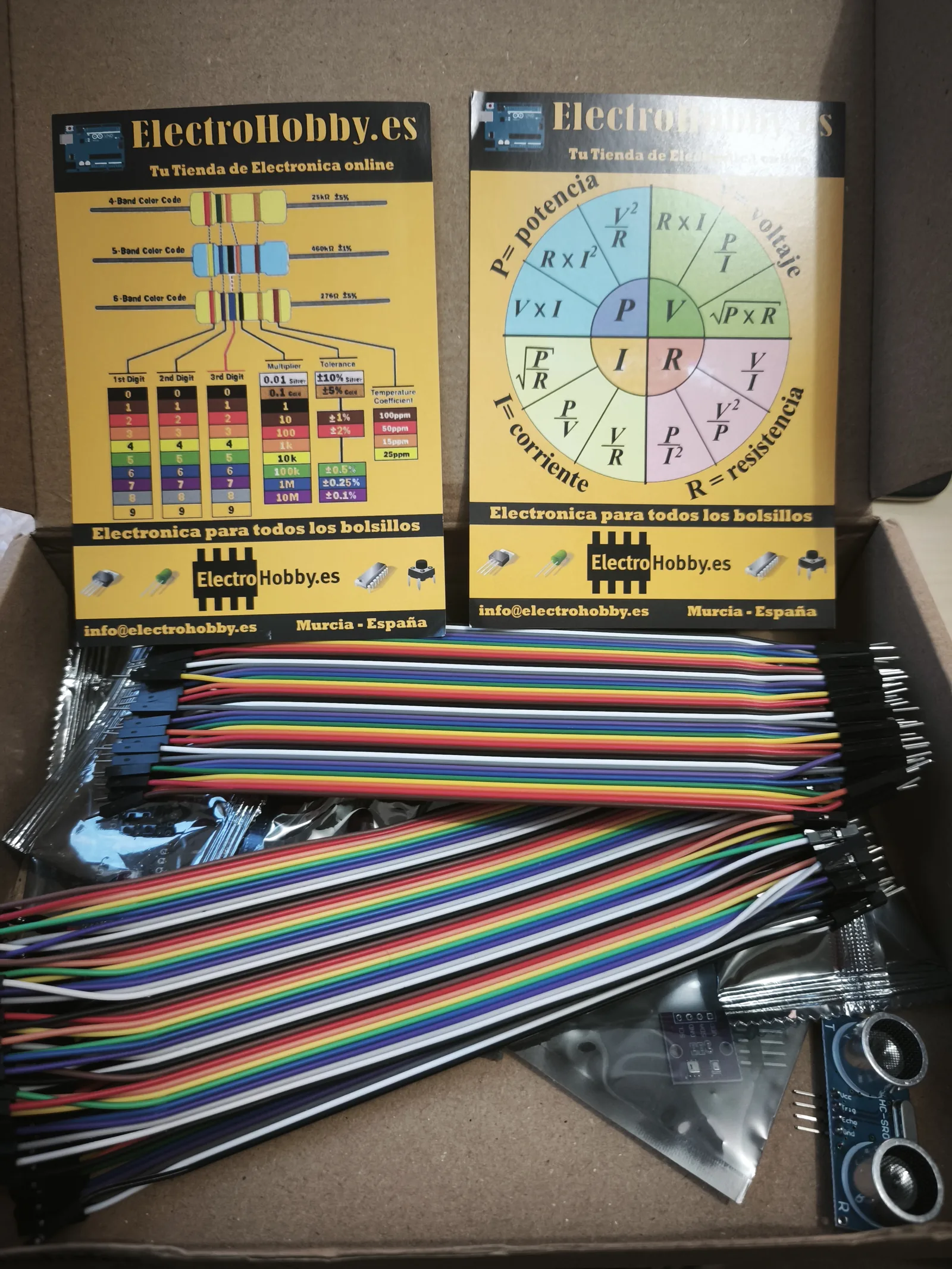
| ElectroHobby.es kit unboxing | Overview | contents of the gifted parcel: 2 ESP32 DevKit boards and sensors |
| Which ESP32 board to choose | Beginner | the 5 chips compared from Espressif’s datasheets |
| ESP32 and ESPHome temperature sensor | Beginner | your first sensor in Home Assistant |
| Garage door controlled by smartphone | Intermediate | an ESP32 relay wired to the door opener |
| 10 ESP32 projects for the smart home | All levels | ranked ideas, with the parts list |
Our top pick {#boards}
A classic ESP32 DevKitC board is still the best documented choice in ESPHome. Move to the ESP32-S3 when you need a camera, or to the ESP32-C6 when you want Thread: see which ESP32 board to choose.
Your ESP32 will need a server. Most readers start with Home Assistant Green or a Raspberry Pi 5. For Zigbee devices that sit next to ESPHome nodes, add a Zigbee USB coordinator.
Where to buy {#buy}
- Amazon.co.uk · Amazon.co.uk if you mix Zigbee with ESPHome.
- ESP32 boards: search Amazon.co.uk or open our chip comparison for exact DevKitC / C6 references.
FAQ {#faq}
Do I need to solder?
No for a first temperature or door sensor on a breadboard. Permanent installs use screw terminals or GPIO headers—see each project guide.
ESPHome or Tasmota?
ESPHome integrates natively with Home Assistant and fits our tutorials. Tasmota is fine if you already use MQTT elsewhere.
Will ESP32 work in a rental flat?
Yes: battery sensors and USB-powered nodes do not require chasing walls. Stick to plug-in relays if you cannot touch fixed wiring.