Best programmable robot for kids (2026): choose by age 5–14
Compare Botley 2.0, mBot, mBot2, Codey Rocky and ELEGOO for ages 5–14. Live Amazon.co.uk prices and photos, plus links to age-specific buying guides.

Compare Botley 2.0, mBot, mBot2, Codey Rocky and ELEGOO for ages 5–14. Live Amazon.co.uk prices and photos, plus links to age-specific buying guides.
Disclosure: This guide includes Amazon affiliate links. As an Amazon Associate we earn from qualifying purchases, at no extra cost to you.
All English buying guides · Christmas robot gifts 2026 · mBot vs mBot2
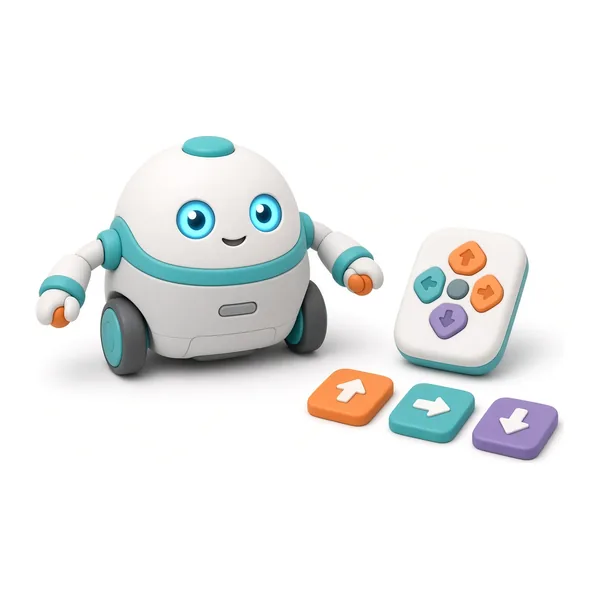
Best 5–7 years

Best 8–12 years

Best 10–14 years
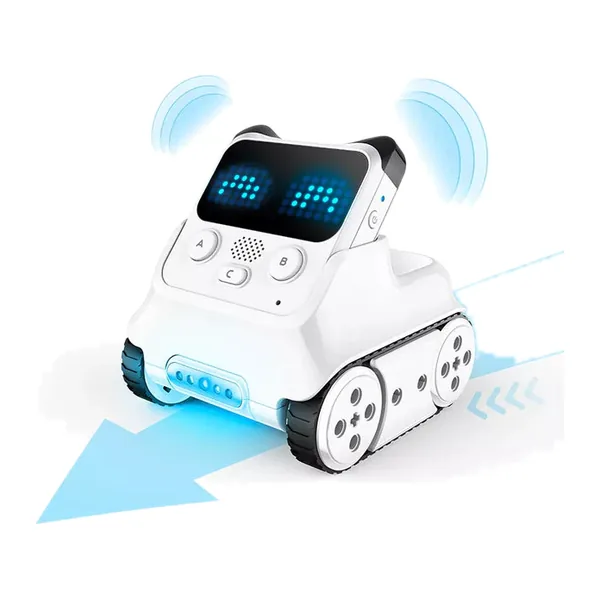
Scratch + sensors

Teen Arduino
| Model | Age | Languages | Indicative price | Highlights | Where to buy |
|---|---|---|---|---|---|
 Botley 2.0 Best 5–7 years | 5–9 years | Arrow remote, Coding cards | £67.94 | Screen-free coding • Arrow remote & coding cards | |
 Makeblock mBot Best 8–12 years | 8–12 years | Scratch, Arduino | £47.64 | 15-minute build • Scratch-style blocks in mBlock | |
 Makeblock mBot2 Best 10–14 years | 10–14 years | Scratch, Python | £114.93 | CyberPi with colour screen • Python and Scratch | |
Codey Rocky Scratch + sensors | 6–12 years | Scratch, Python | Unavailable | Scratch and mBlock blocks • Voice recognition & AI demos | |
ELEGOO Smart Robot Car V4.0 Teen Arduino | 13+ years | Arduino C | 79,99 € | Complete UNO R3 kit • Step-by-step tutorials included |
Prices and availability as of 14 November 2026, 06:10; subject to change.
Updated 4 November 2026. This hub helps UK families pick a coding robot for children aged5 to 14. Prices and photos come from our Amazon Creators feed (date shown under the table). Manufacturer specs below are from official pages, not lab tests. Browse our full buying guides index for age-specific detail pages. Scratch means block coding (like puzzle pieces); Arduino is text-based C/C++ on a microcontroller board.
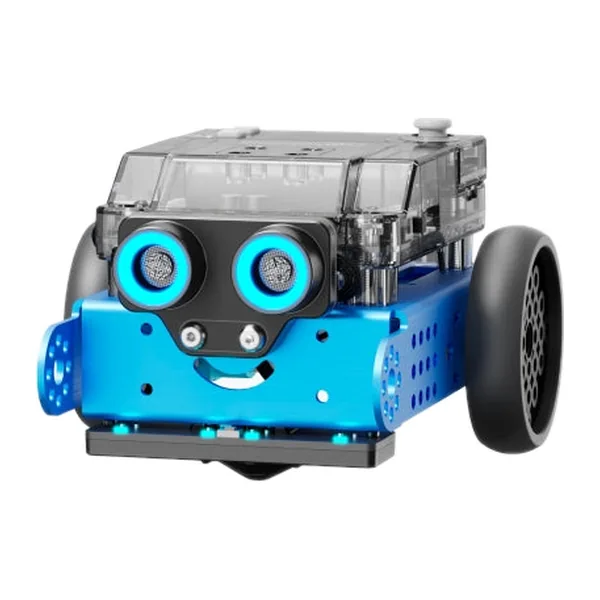
Software still maintained (tutorials, community), at least two types of challenge (line follow, obstacle, light…), and total budget including batteries and storage. If you choose Makeblock, start with installing mBlock 5 on Windows.
Figures from official datasheets (October 2026). Prices change often — use the comparison table above for today’s Amazon.co.uk offers.
| Criterion | mBot | mBot2 | ELEGOO Robot Car V4.0 |
|---|---|---|---|
| Stated age | 6+ | Primary to secondary (Makeblock curriculum) | 13+ with an adult helper |
| Languages | Blocks (mBlock), Arduino | Blocks, Python, Arduino IDE on CyberPi | Arduino (C/C++) |
| Assembly time | ~15 minutes | ~30 minutes | Modular XH2.54 connectors |
Robot for 8 years · 10 years · 12 years · mBot vs mBot2 · Makeblock brand hub
In short: the best robot is the one that will actually be used — clear software, varied challenges, honest budget. Start from an age guide, then confirm today’s price on the retailer page.
Torn between two models or stuck on a build? Drop us a line and we will get back to you by email.