Codey Rocky (Makeblock): a Scratch and Python educational robot

Makeblock Codey Rocky: built-in sensors, mBlock programming, Scratch then Python. For ages 6 and up, almost no assembly, at home or in the classroom.

Illustration : un enfant programme sur tablette un petit robot à chenilles avec une tête à visage lumineux

AI-generated illustration

Some links on this page are affiliate links. The button opens Amazon so you can check today’s price.

Codey Rocky is an educational robot from Makeblock in two parts: a programmable “head” module (Codey) with a screen and sensors, and a mobile base (Rocky) so it can move. It is often aimed at ages 6 and up and fits into mBlock 5, like the mBot2.

Direct answer — Codey Rocky suits ages 6–10 for Scratch/mBlock, then a light step up to Python. It is ready to use (little assembly) compared with an mBot you screw together. Brand hub: Makeblock · comparison: mBot vs Codey Rocky · CyberPi · Python robots.
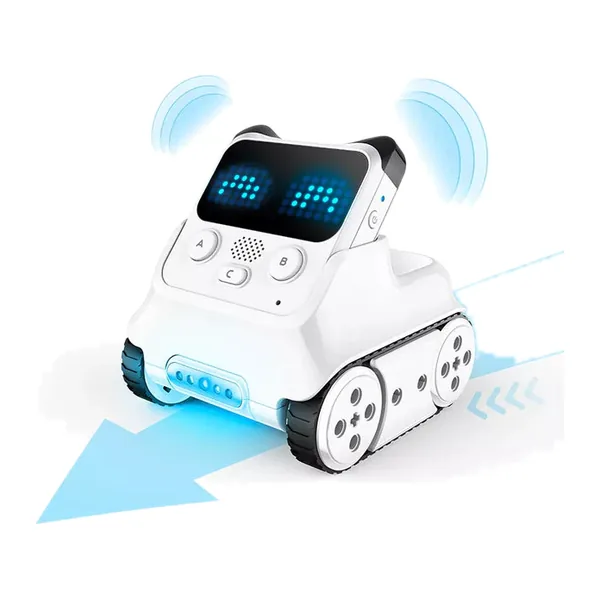
Codey Rocky — Makeblock product photo

Product photo — check the model number and what is in the box with the seller.
Teaching strengths

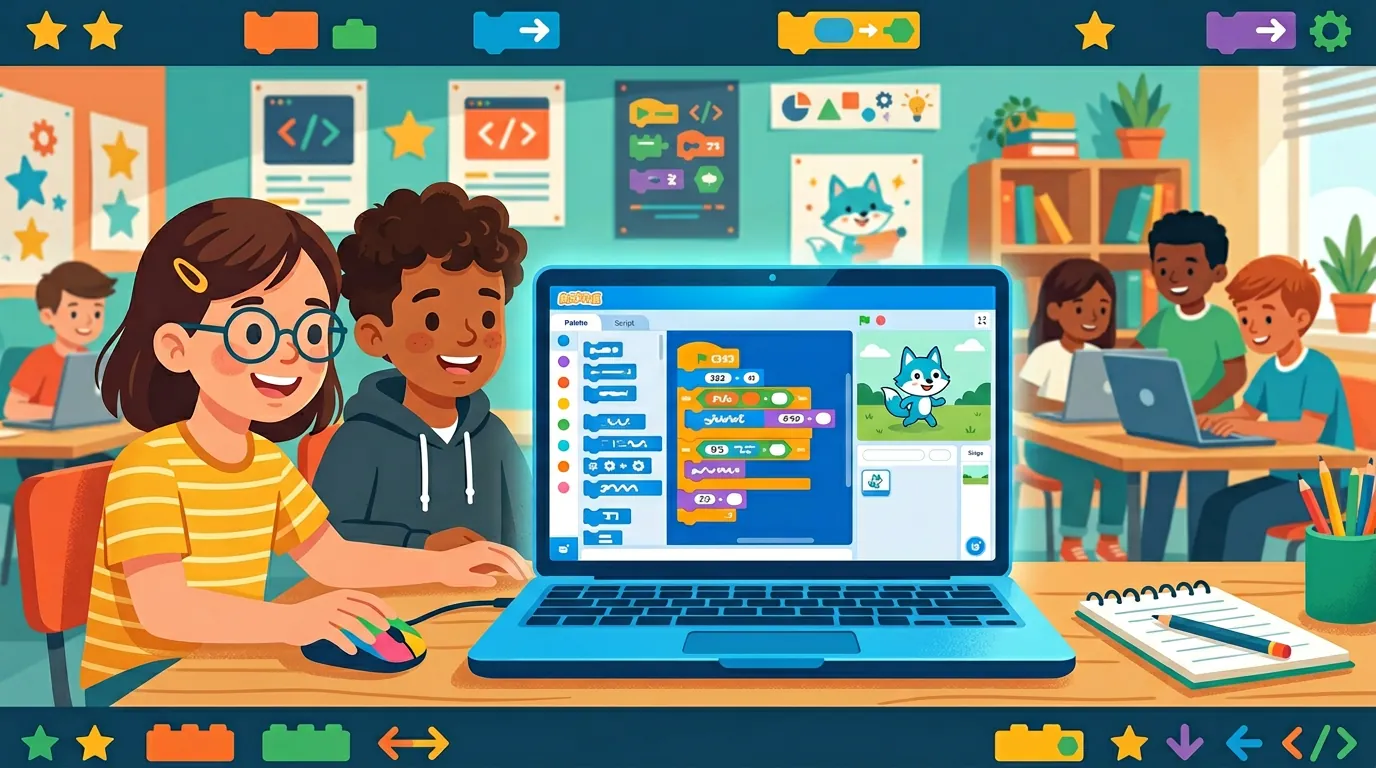
Block programming workshop in the style of mBlock / Scratch (mood illustration)

A “visual code” block: the same logic you use in mBlock applies to compatible Makeblock robots.

  • Ready to use: little or no complex mechanical assembly. The focus is programming and interaction.
  • Blocks, then text: you can progress from Scratch (blocks) to Python, through the apps and the mBlock IDE — see Install mBlock 5 on Windows 10 and First steps with mBlock 5.
  • Several sensors: a rich environment for logic, events, and sensors, without staying on a simple “remote control.” As a complement, the activities in Scratch or on an mBot show the same block logic.
  • Brick compatible: you can customize the base with Lego Technic-style or compatible builds (check the manufacturer’s documentation).

Sample programs and online resources

The links below are external. Most are in English, and the block diagrams and videos still work in class.

Makeblock (official support)

  • A Beginner’s Guide to Codey Rocky — getting started, how the software modes work, and a reminder of the block categories (events, sensors, movement, screen, sounds, and so on).
  • About Codey Rocky — product overview and what it can do (blocks + Python, depending on the mBlock version).

PDF manual (guided projects)

  • Makeblock support and warranty — a guide published by Makeblock with step-by-step activities and the upload logic (the program is stored in the robot so it runs without the cable).

Step-by-step tutorials

A bank of commented examples (script ideas)

The site Pakronics Learn — Examples describes seven typical mini-projects in mBlock, very close to what you do in class:

  1. Emotions and buttons — chain sounds and “faces” on the screen from a button.
  2. LED / image animations — chain displays with motion or shake detection.
  3. Musician — play notes, control the volume with the dial.
  4. Blink — loops and randomness for a realistic blink.
  5. Color — react to a detected color (sounds + LED, depending on the scenario).
  6. Avoid an obstacle — distance sensor + movement commands on Rocky.
  7. Scratch sprites + robot — link the stage (sprites) and the robot’s actions.

For sending the program to the robot (it then runs on its own), see also their page Upload mode.

Limits to plan for

  • Software ecosystem: several apps (remote control, programming, and so on) — allow a little time for the tutorial and the first connections (Bluetooth, tablet or PC).
  • Support: for a 6–8-year-old, an adult often helps with updates, Bluetooth pairing, and the first uploads.
  • Compared with a classic “tank” mBot, the positioning is more companion / expressive screen than a kit you screw together from start to finish.

Activity ideas

  1. Show emotions or short messages on the robot’s “face.”
  2. Avoid an obstacle, or react to a distance with the matching sensors.
  3. Chain a light sequence and a movement to understand event blocks.

Amazon.co.uk (Codey Rocky) — search the listing; check price and availability when you buy.

To compare with other Makeblock approaches, see CyberPi, mBot, or mBot2.

Conclusion

Codey Rocky is a strong candidate for a class or a family that wants a cute, sensor-rich robot aligned with mBlock, with a possible step up to Python. The software and Bluetooth need a minimum of care at the start, but the teaching potential is clear for elementary school and the start of middle school. The resources above give sample programs you can reuse or adapt for your sequences.

Further reading

Was this page helpful?

Have a question about this guide or need advice? Ask us here

Torn between two models or stuck on a build? Drop us a line and we will get back to you by email.